

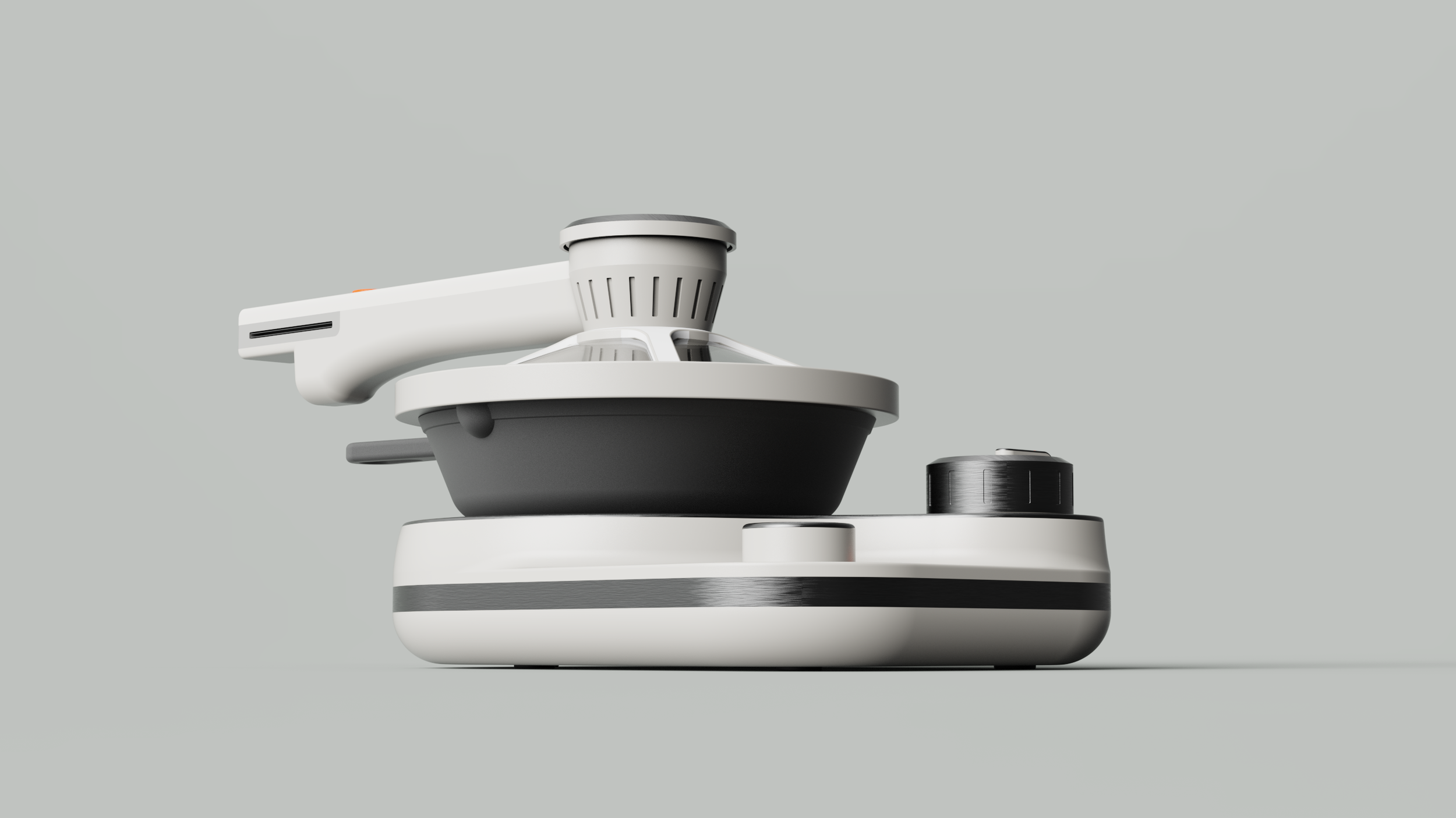
Modeled in Solidworks, rendered in Keyshot.
Cooking without Sight
Tactile single burner with ventilation lid for home cooks with blindness
NC State University, MID
Sponsored Studio
Spring 2026
11 weeks
Sponsored by

Guided and critiqued by designers at

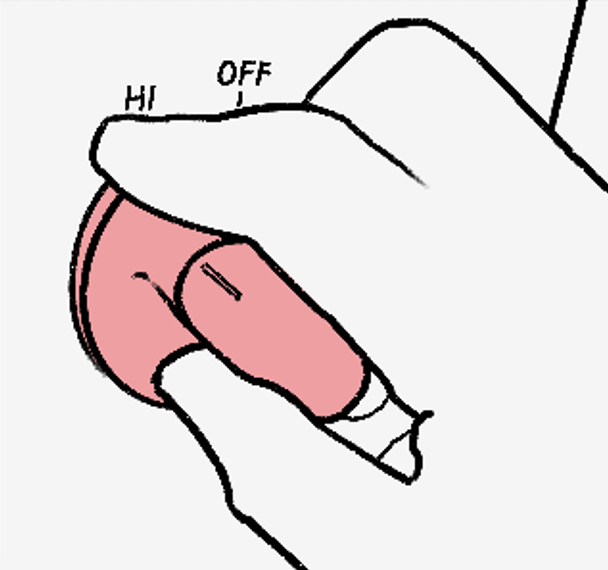
Stovetop cooking depends on sight at nearly every step: finding the burner, centering a pan, adjusting temperature, and judging food doneness. People with blindness cook with risky workarounds, such as hovering a hand over active burners to determine which one they just turned on.
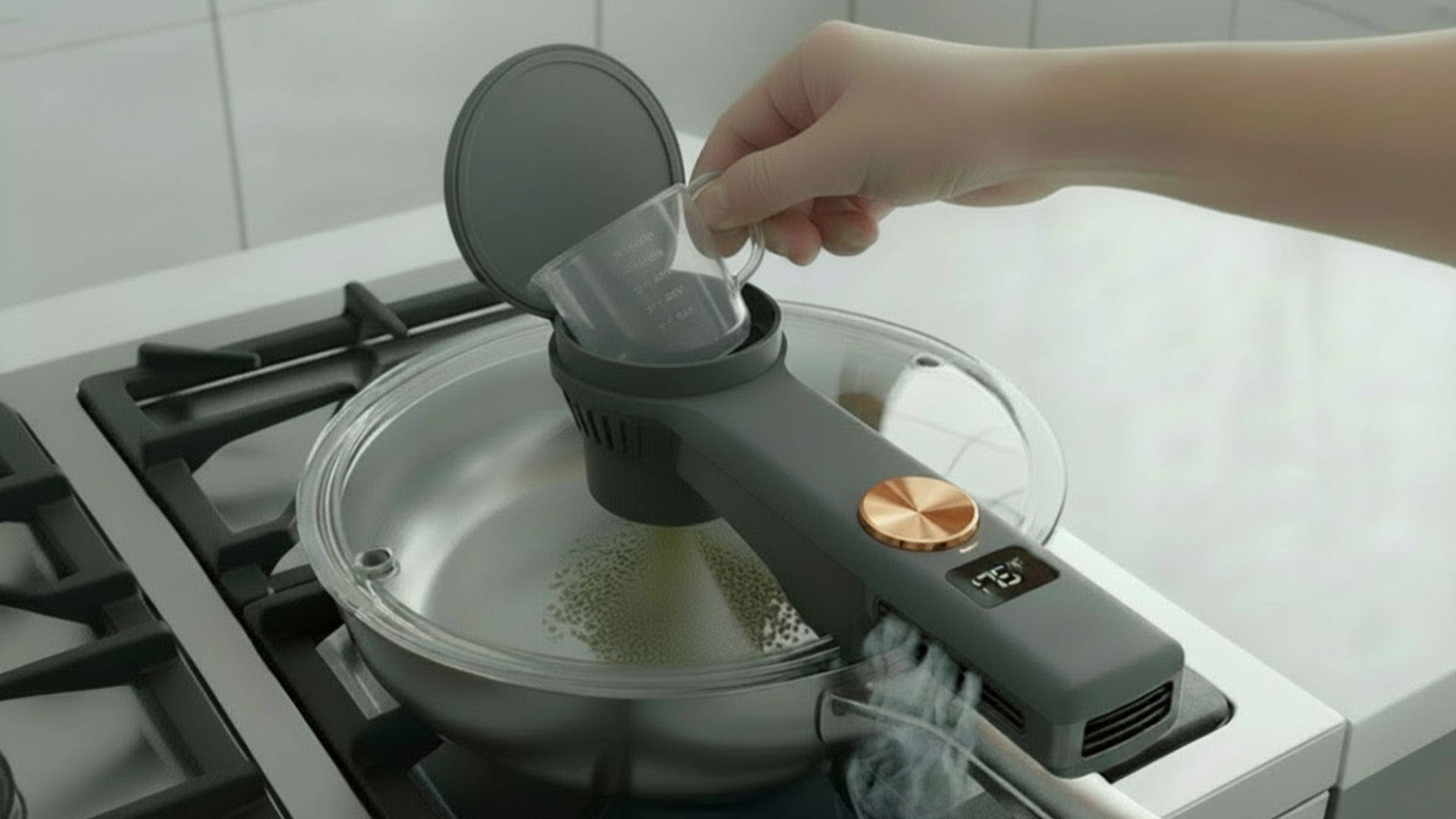
This compact induction burner and smart lid enables home cooks with blindness to feel and hear their way through the cooking process. Two knobs read temperature and timer settings aloud, and a fan-assisted funnel in the lid moves steam away from your hand while adding ingredients.
Context
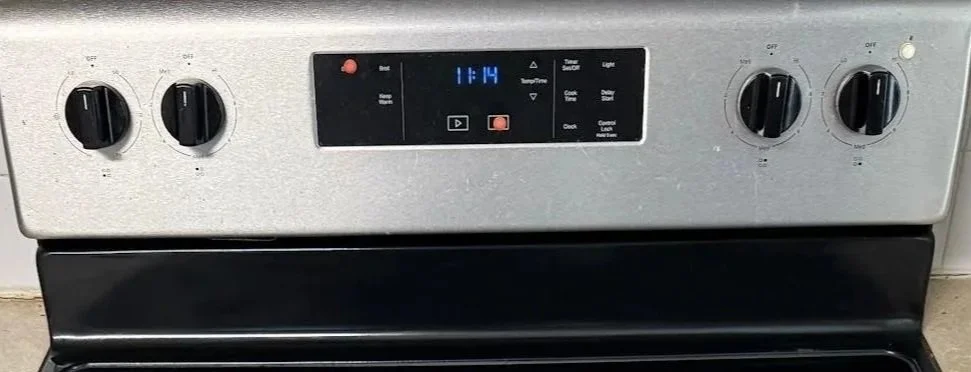
Workaround: Stovetop interface with bump dots.
Sponsor: Ablr, workforce development training organization.
Brief: reduce barriers for people with visual impairment.
Point of Contact: Ablr intern with blindness shared insights.
Frustration: cooking with blindness.
Problem
Blind home cooks need a non-visual way to:
align cookware and knobs
transfer hot ingredients
determine food doneness
reducing burn risks and reinforcing independent stovetop cooking.
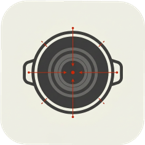
Spatial
Alignment
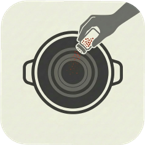
Transfer
Alignment
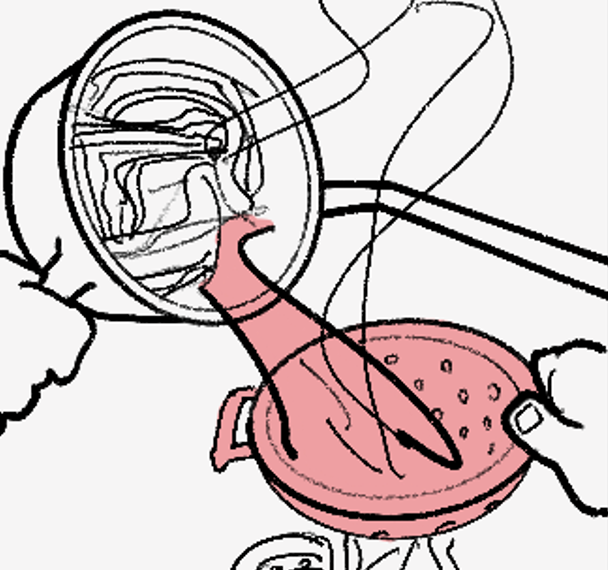

Evaluative
Alignment
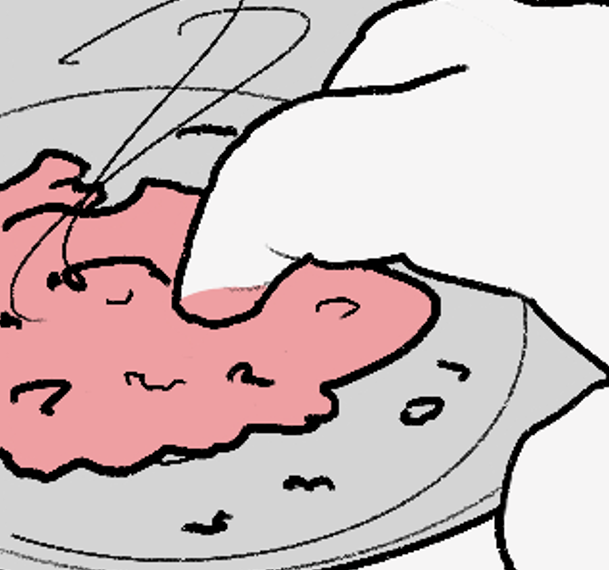
Pain points while cooking pasta with meat sauce.
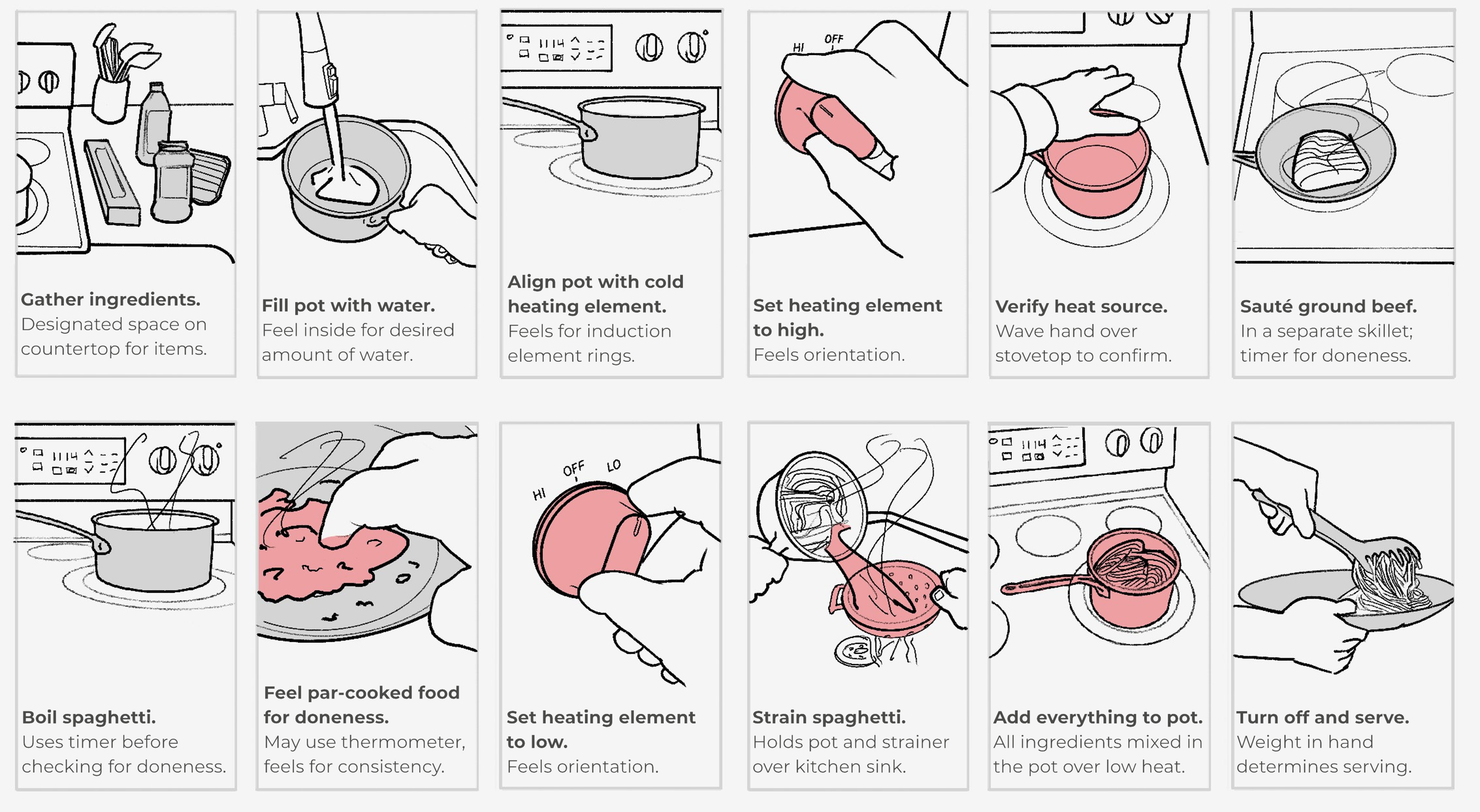
Cooking user journey. Digital Sketch, Procreate.
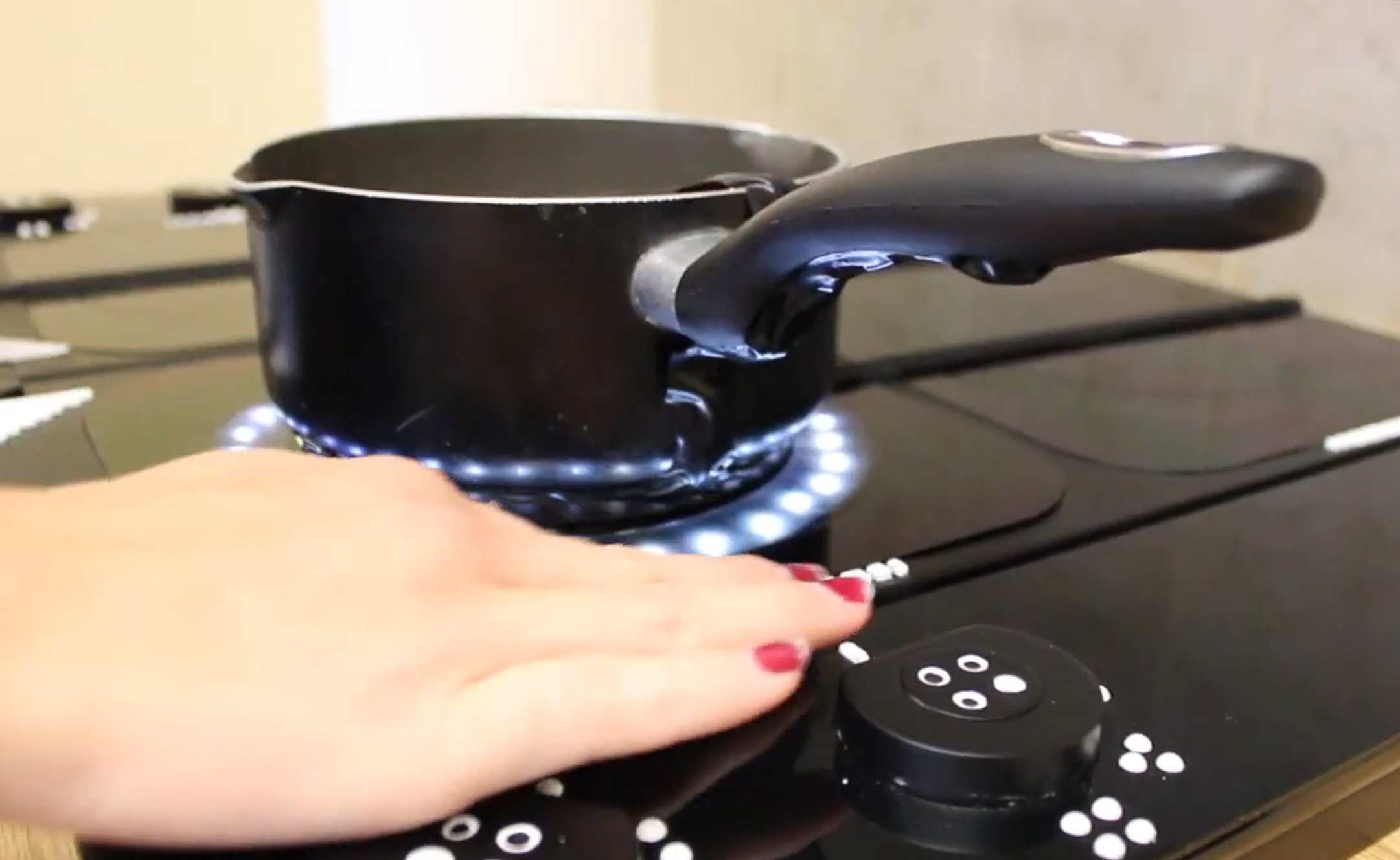
Concept: Braille incorporated into an electric stovetop.
Market
Current: bump dots and gadgets address symptoms.
Concepts: student projects not sold on the market.
Trends: Induction paired with tactile navigation, multisensory feedback, and modular parts.
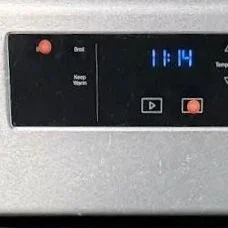
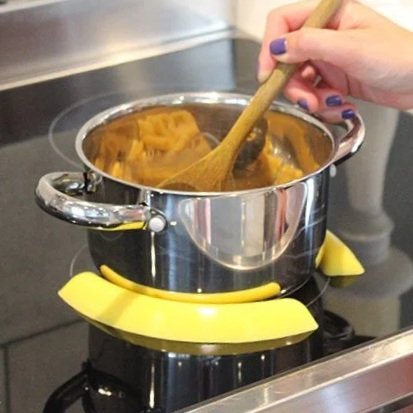
Current: Bump dots placed by user on flat interfaces.
Start-up: Pan Pickles center pans and prevent slippage.
No system-rooted solution.
Design Criteria
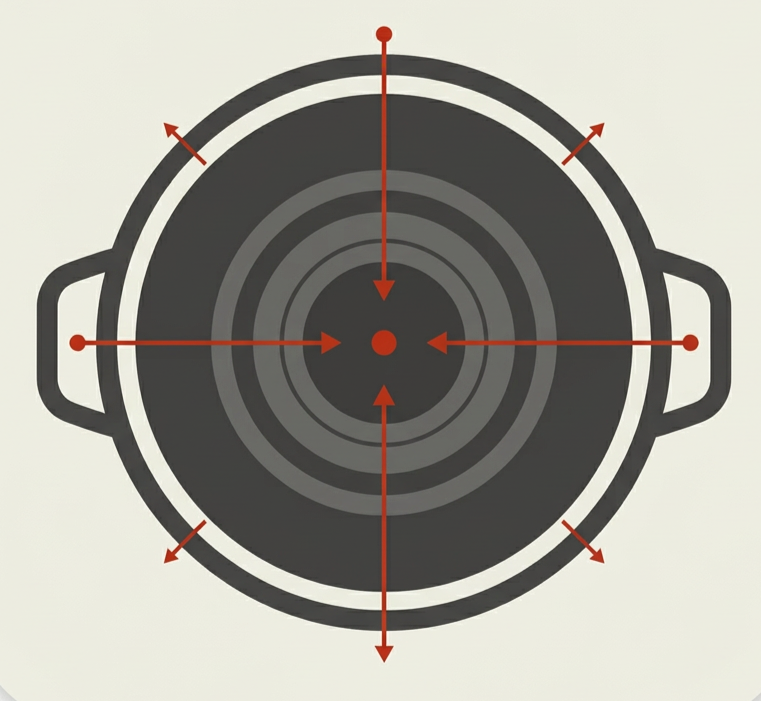
Pan aligned to burner. AI, Figma.
Align cookware without active heat risks.
Navigate by touch and audio.
Multisensory confirmation for settings.
Safe to explore without turning on.
Judge food doneness without sight.
Locate center of pan without risk of burns.
Ideation
First idea: solved for too many problems at once.
Problem: too complicated to learn by touch.
Turning point: two simple products, not one complicated one.
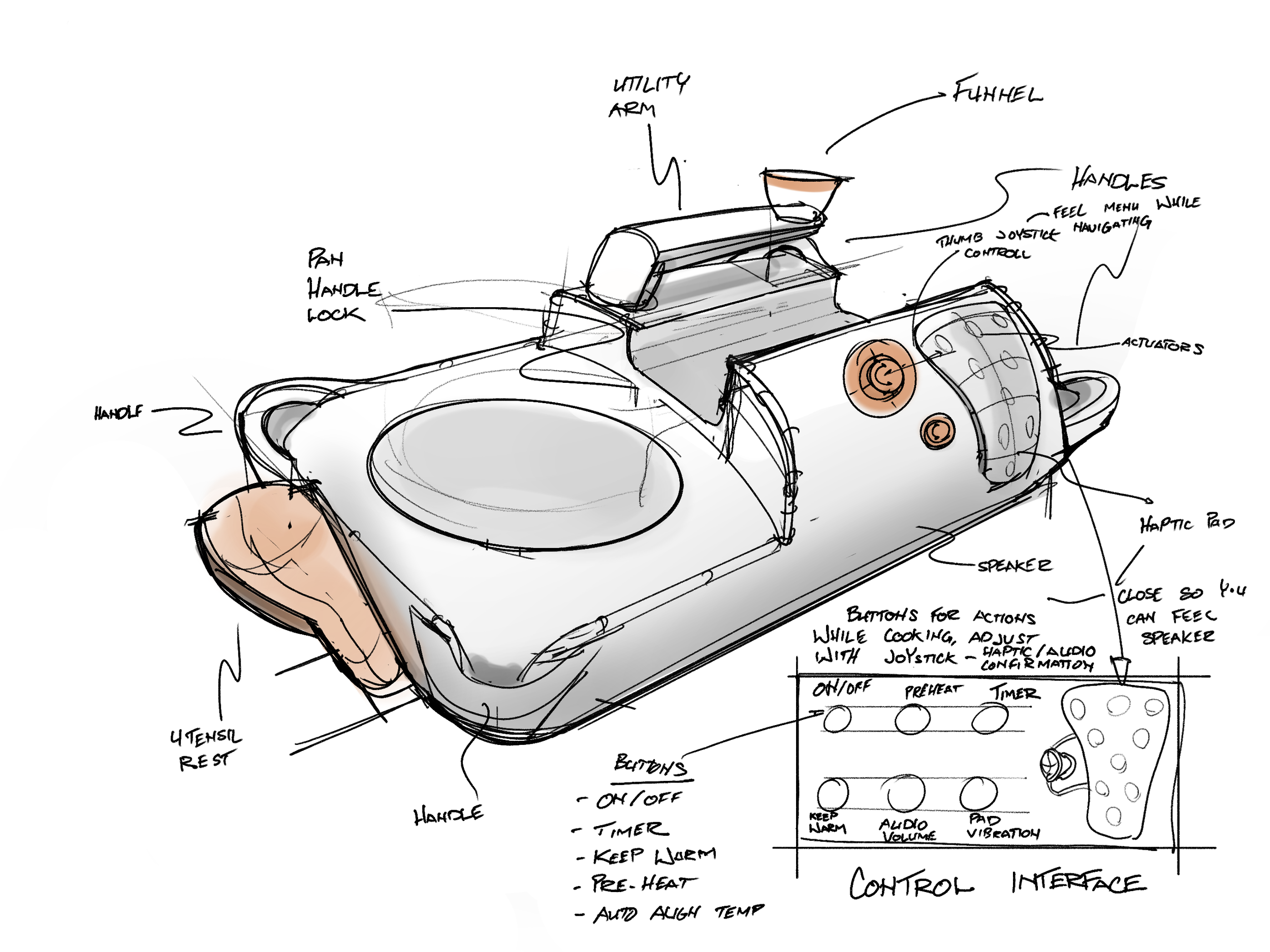
Spatial and transfer solution. Utility arm swivels to center of pan for easy reference. Haptic pad and unique surface features for easy tactile navigation. iPad, Procreate.
Needs:
Spatial alignment with the burner and
Evaluative alignment with temperature and time
Transfer alignment shown later when swivel arm is replaced with ventilation lid
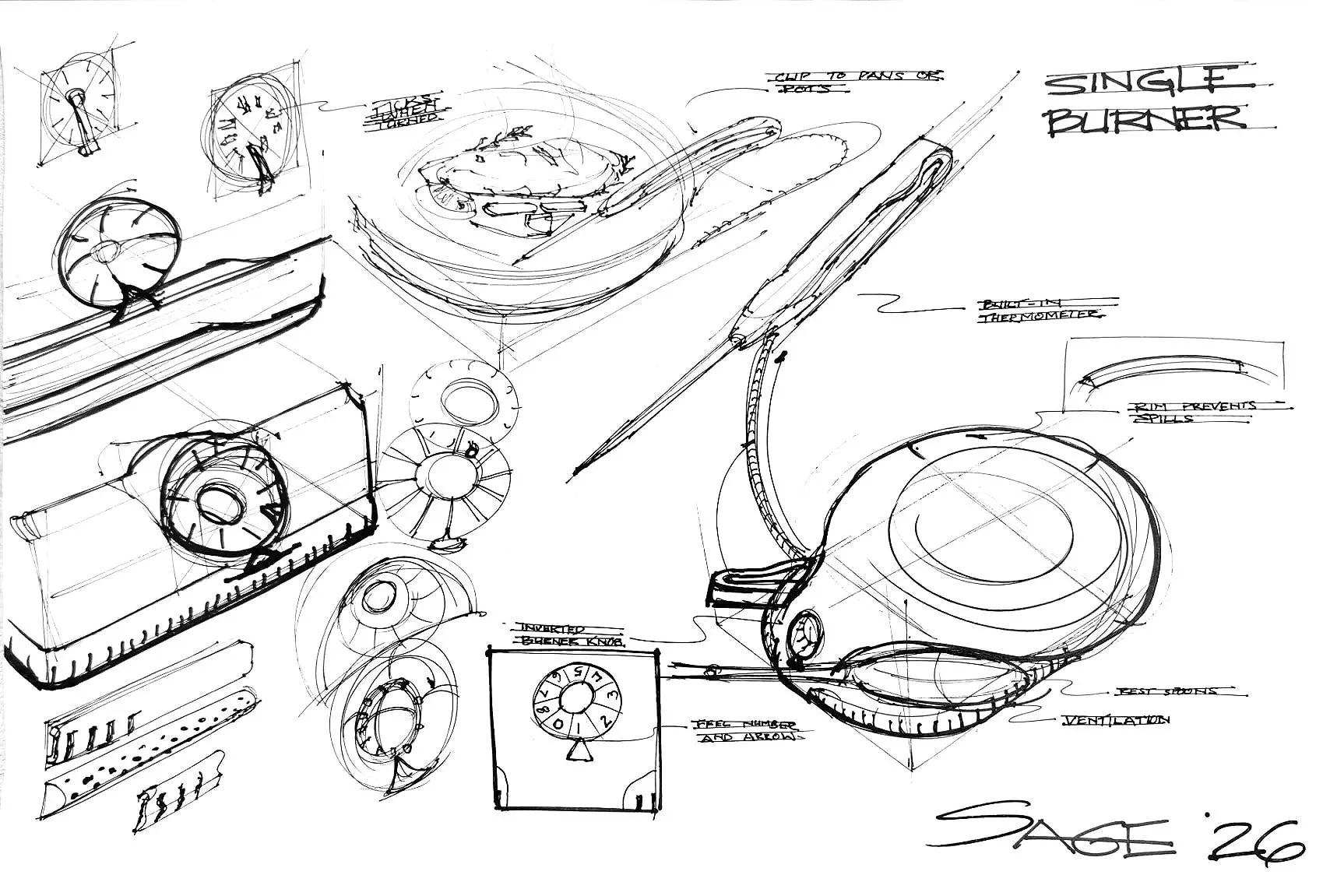
Spatial and evaluative solution. Tactile surface and simple interface. Pen & paper.
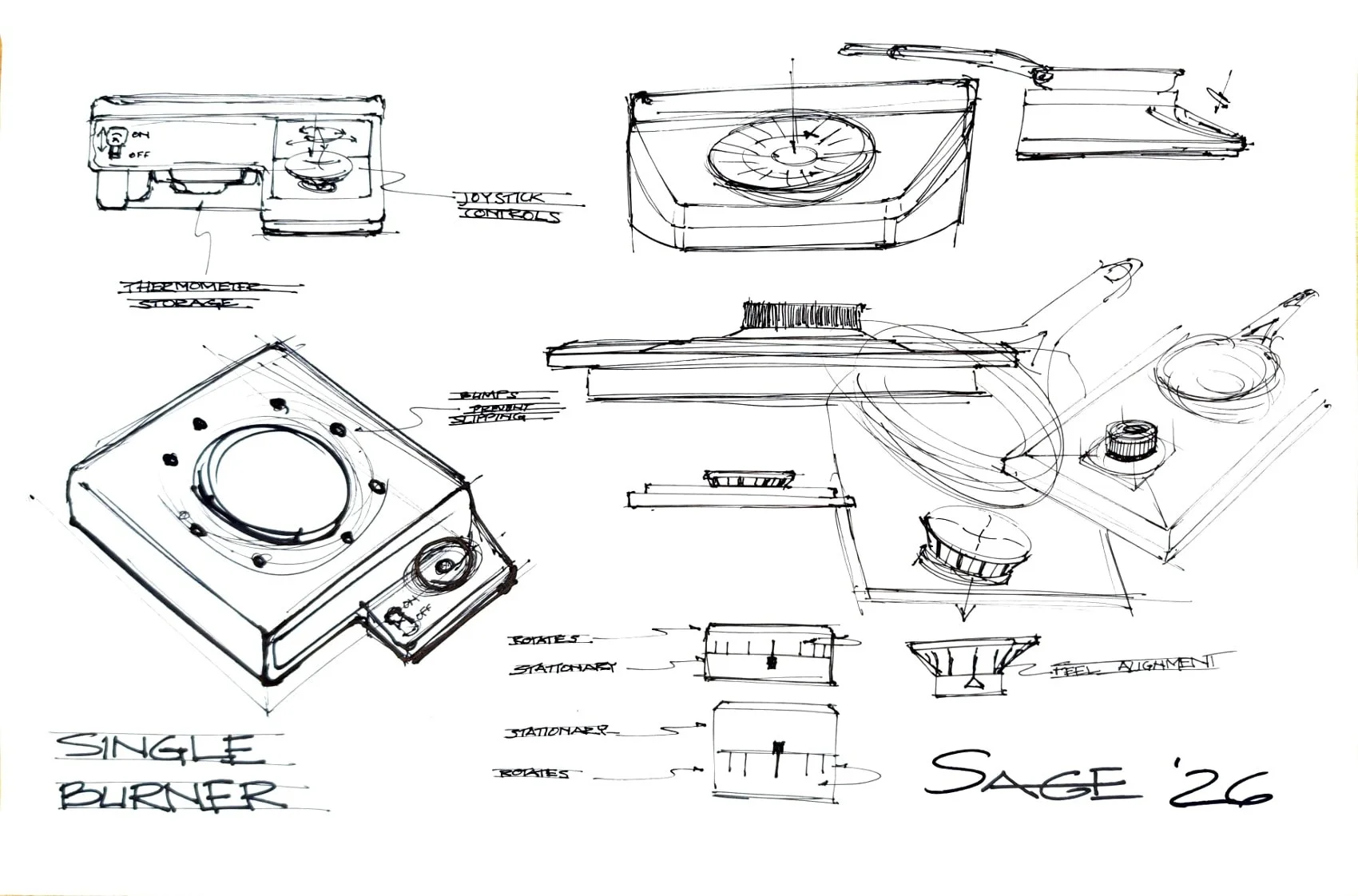
Spatial solution; single burner with one or two knob user interface. Pen & paper.
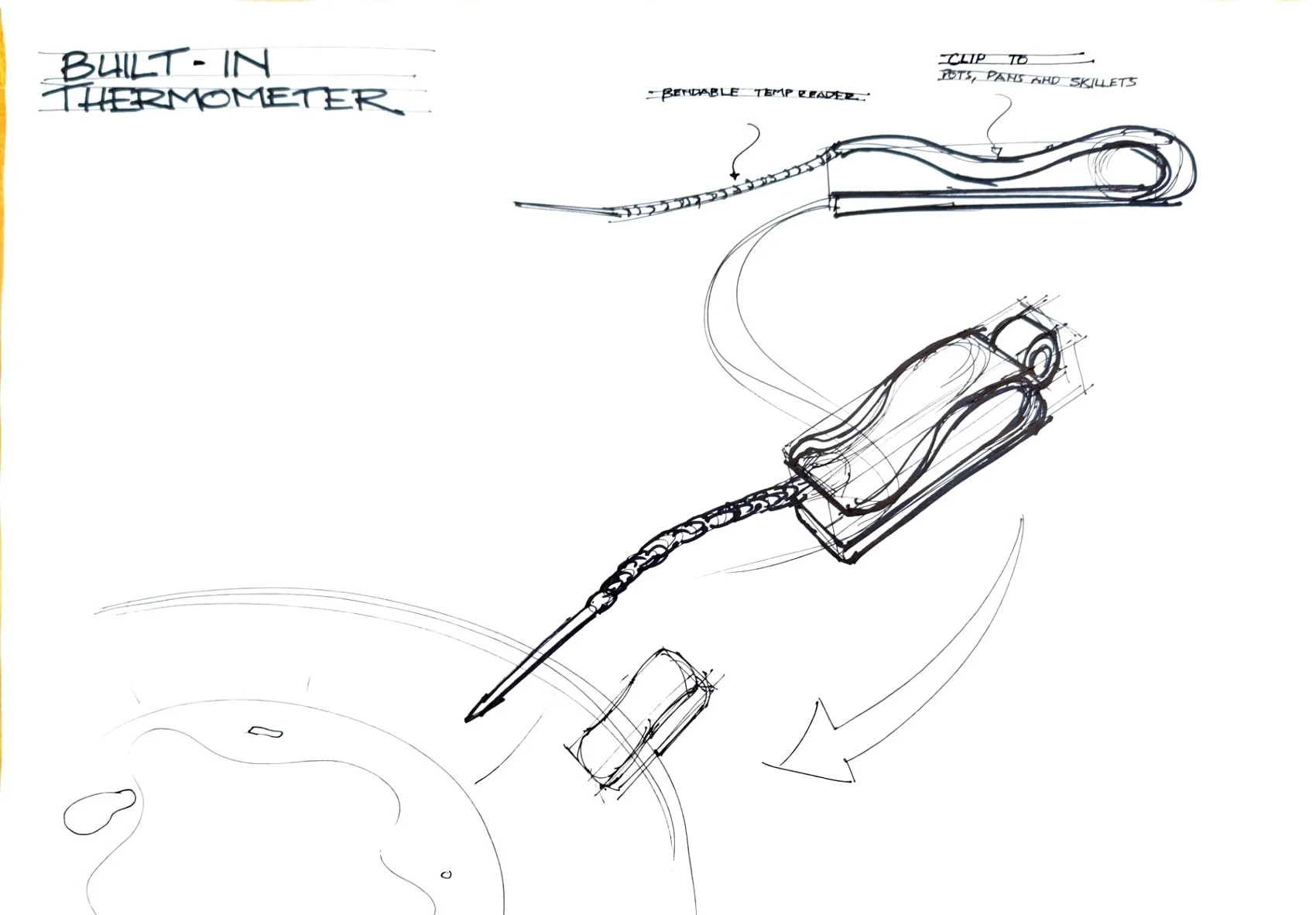
Evaluative solution; Clip thermostat with audio readings. Pen & paper.
Two solutions, not one.
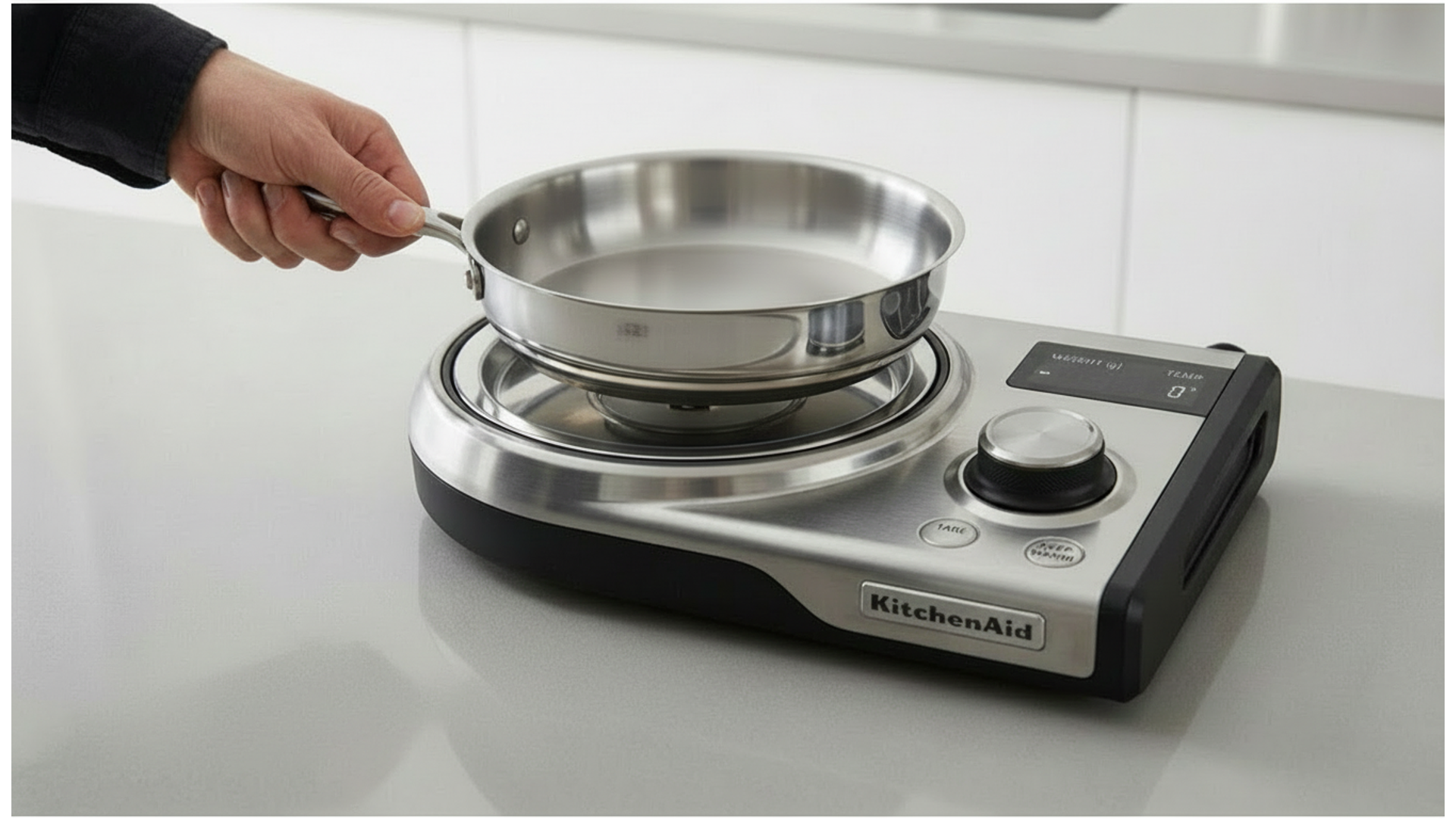
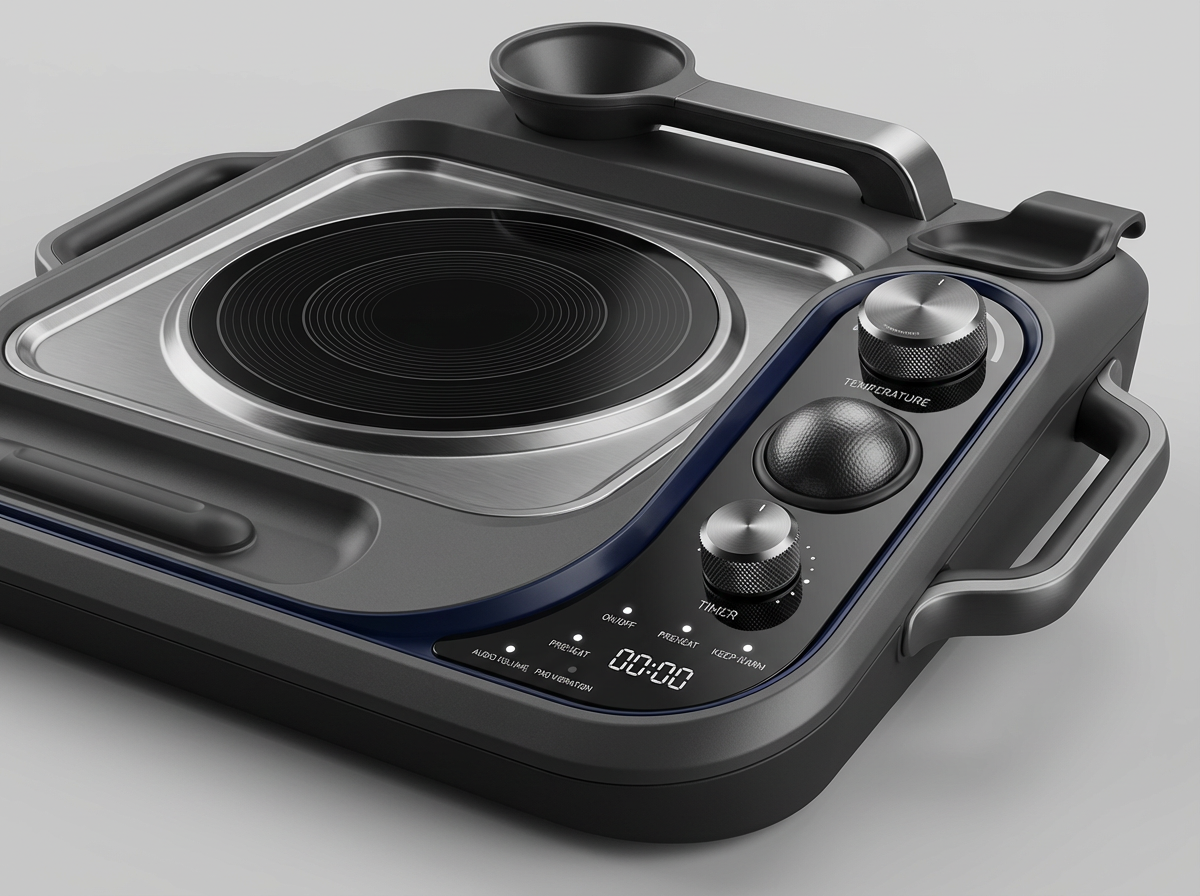
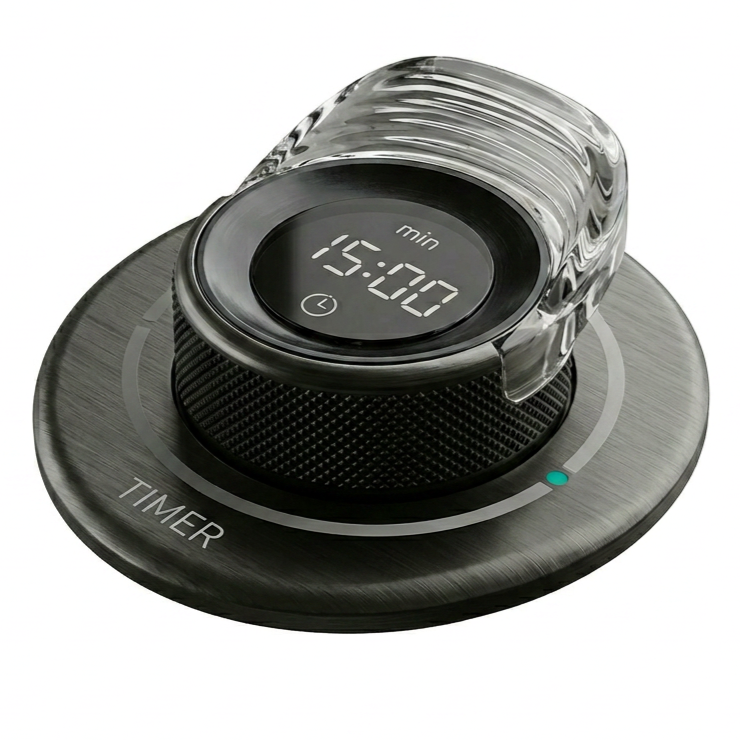
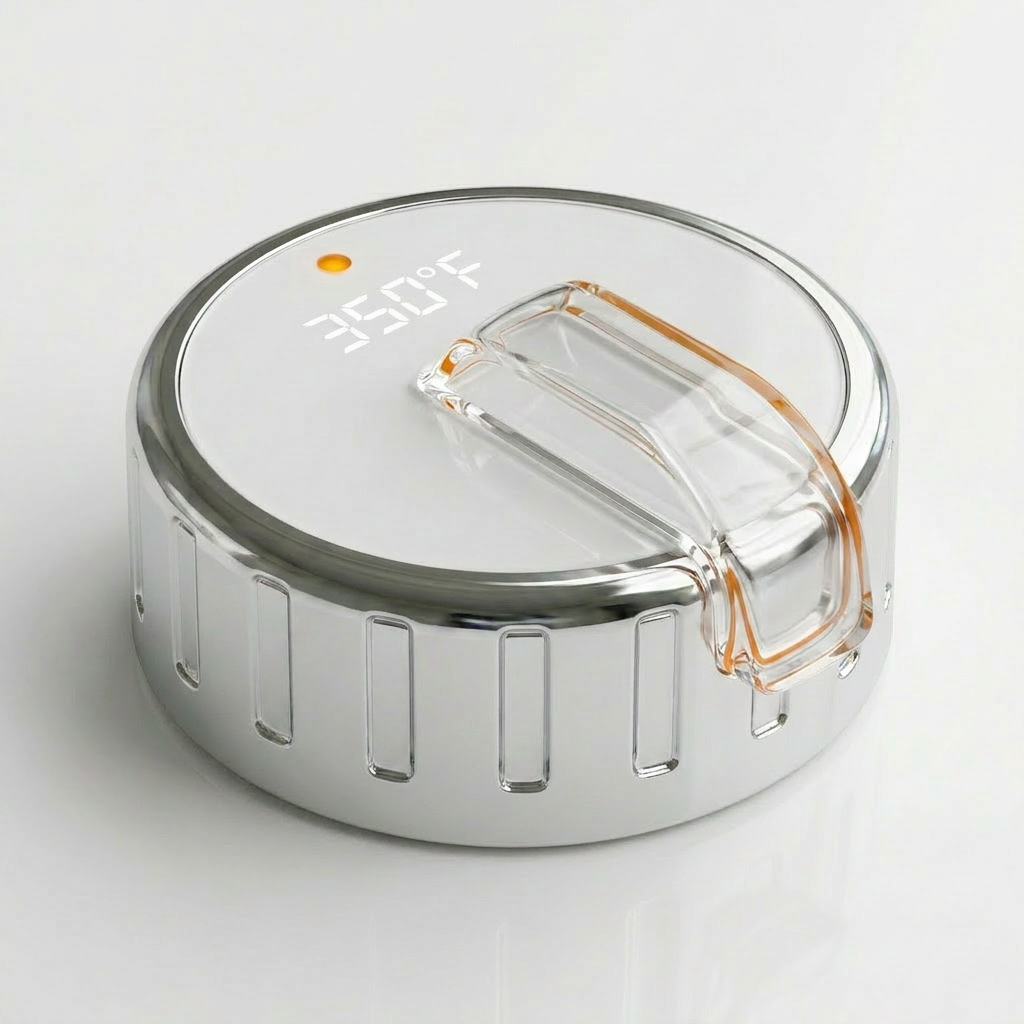
Vizcom AI generation
Turn sketches into quick form, color and finish exploration.




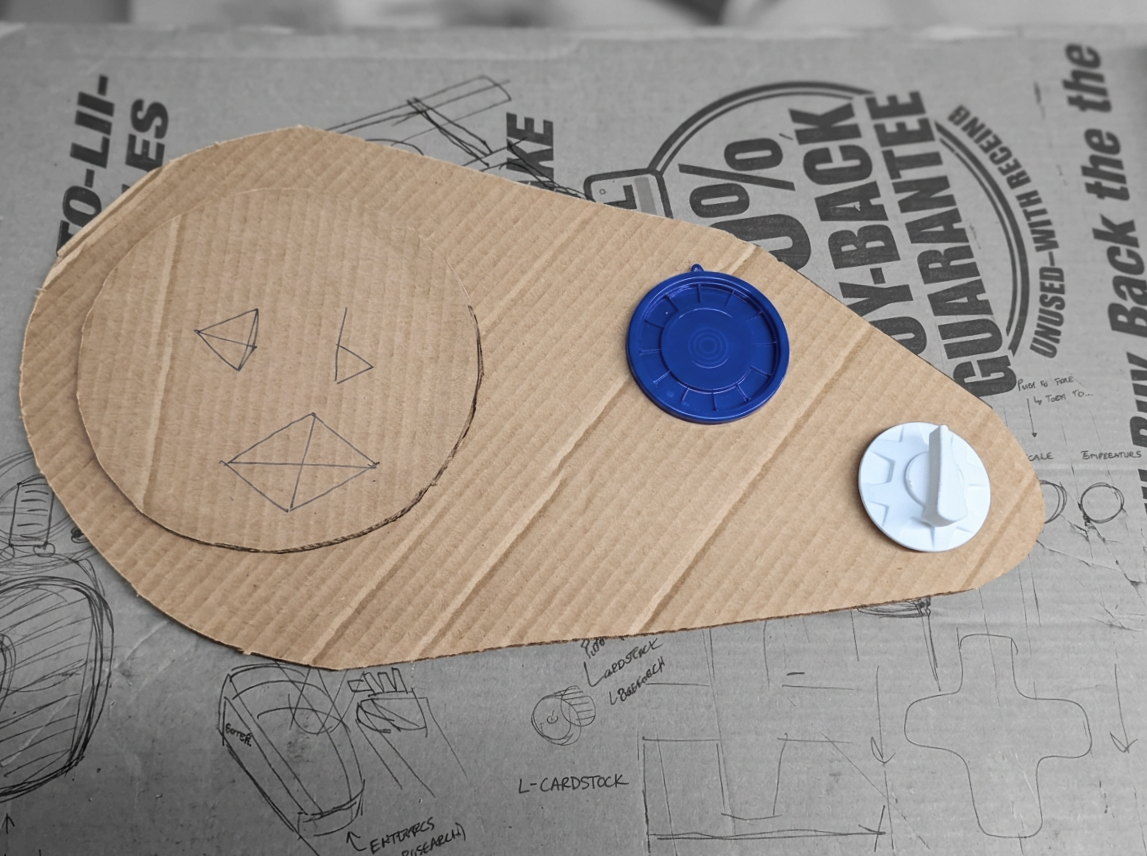
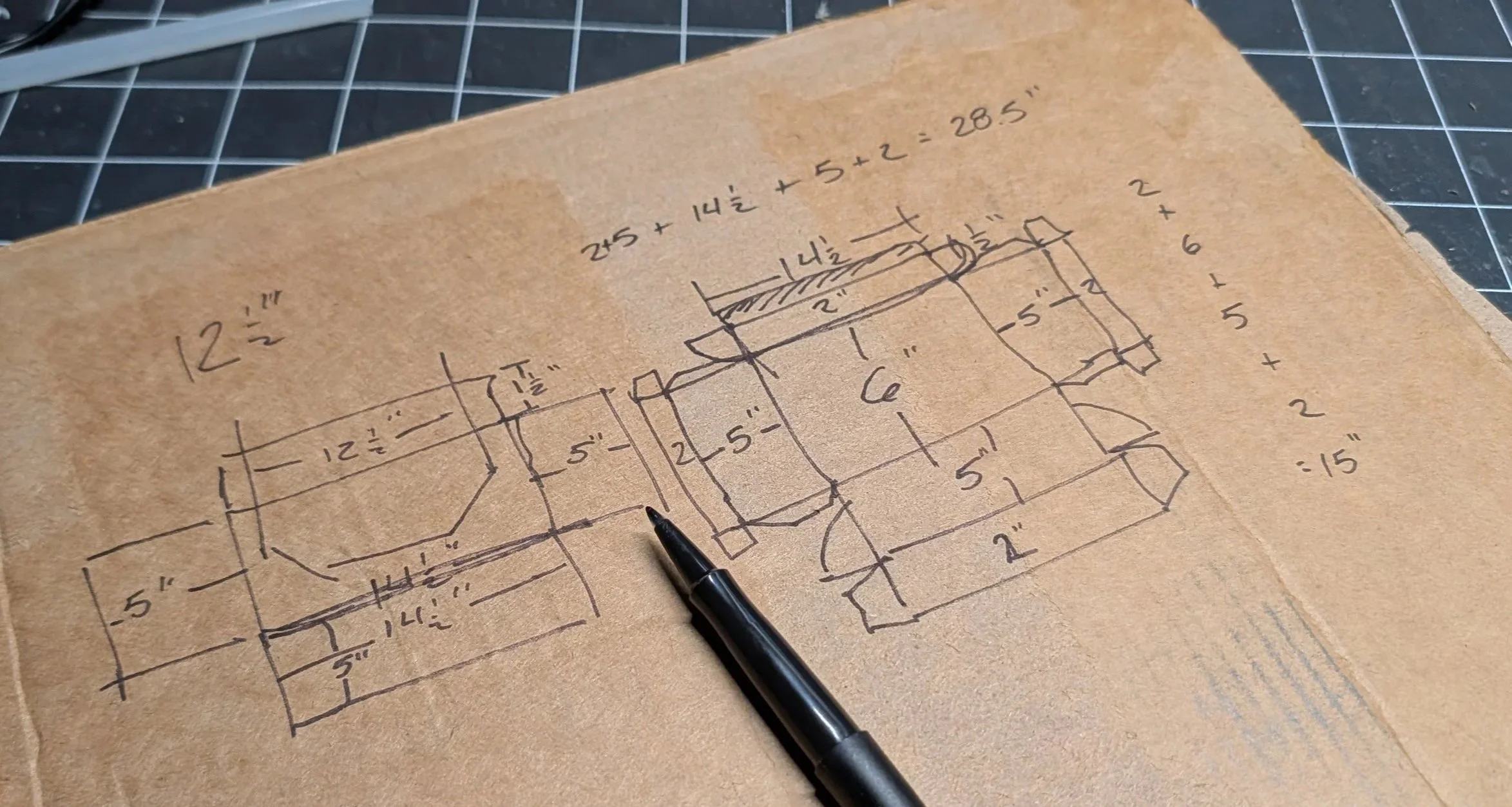
Physical & Solidworks Models
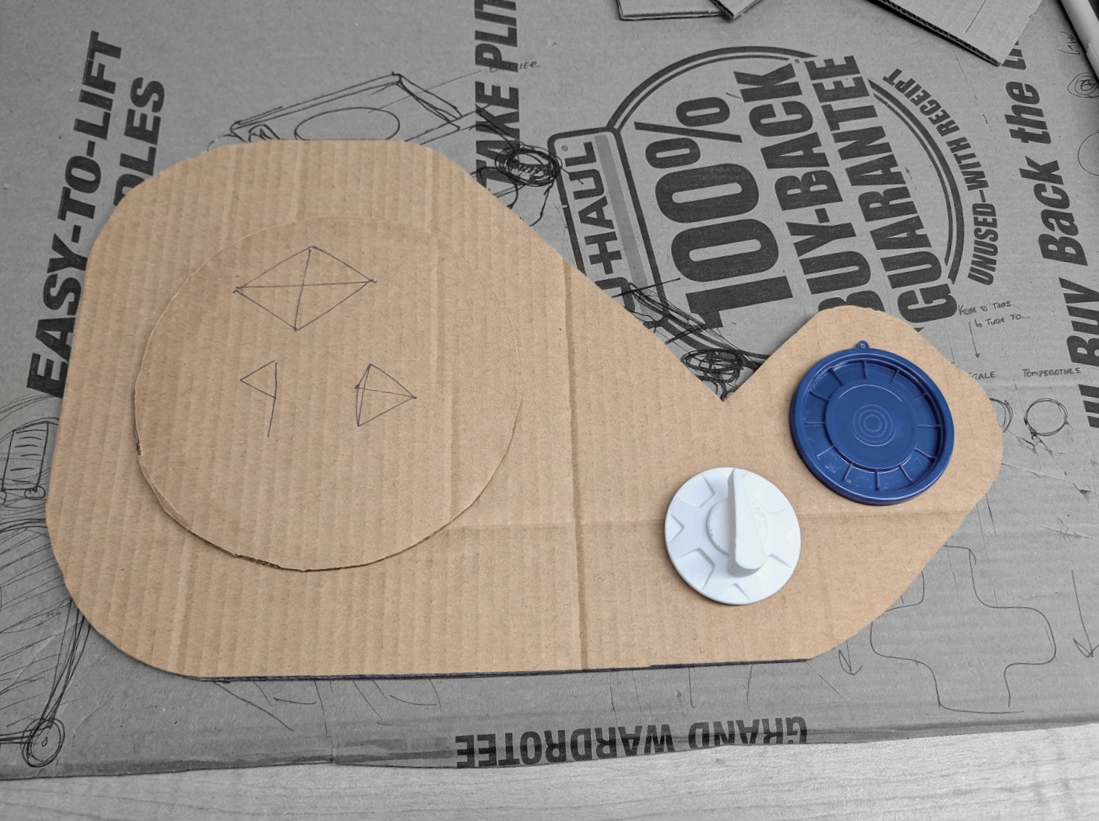
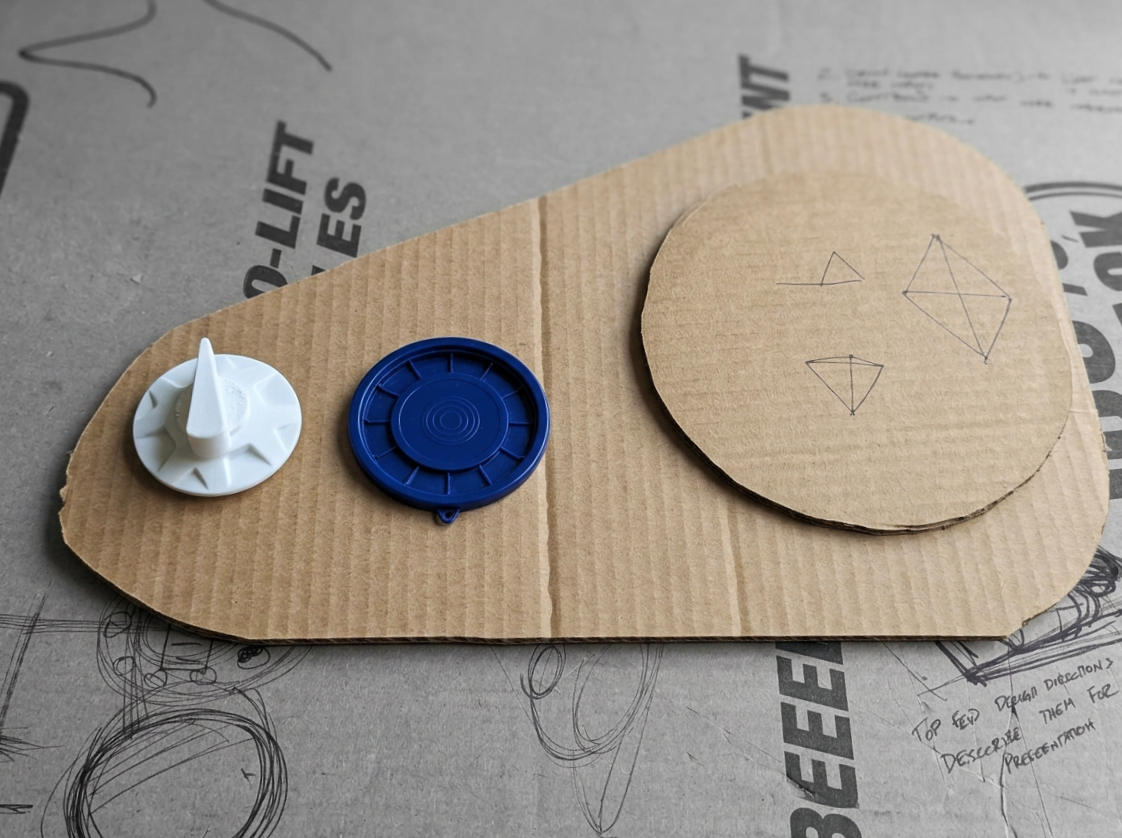
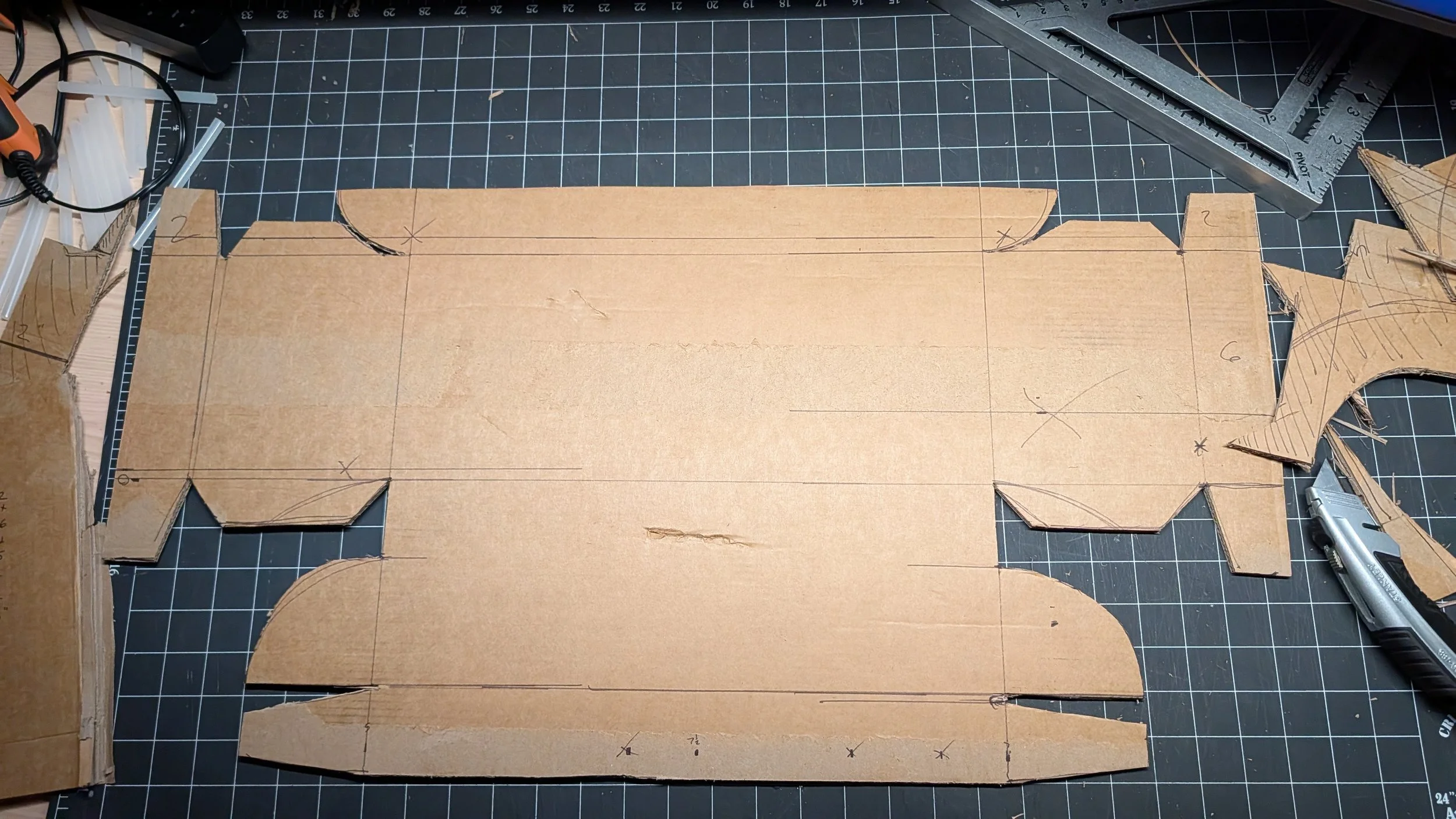
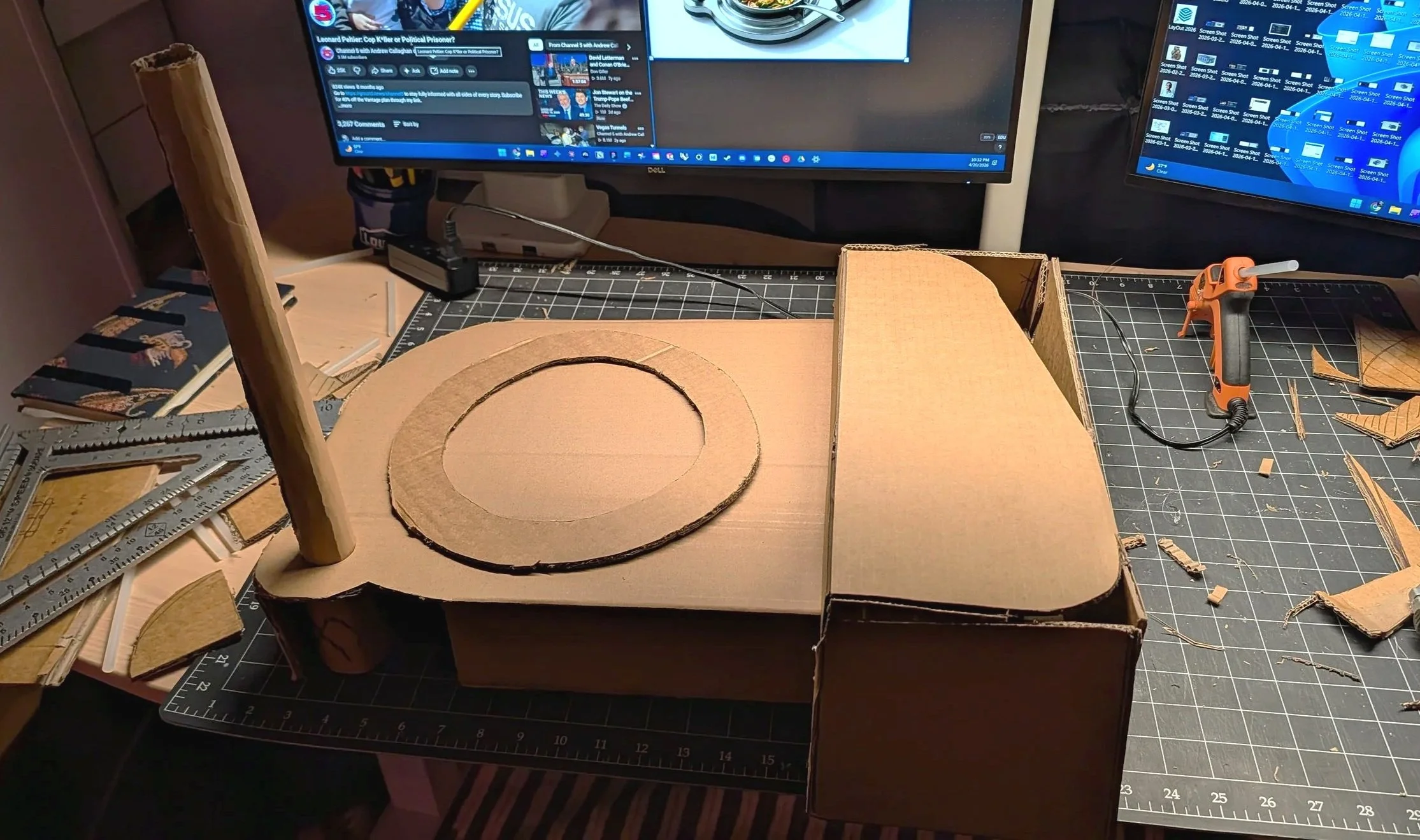
Cardboard: test footprint, burner position, and knob reach by hand.
Knobs: 3D-printed SolidWorks studies of grip and tactile markers.
Refined: burner and knobs in SolidWorks and KeyShot.
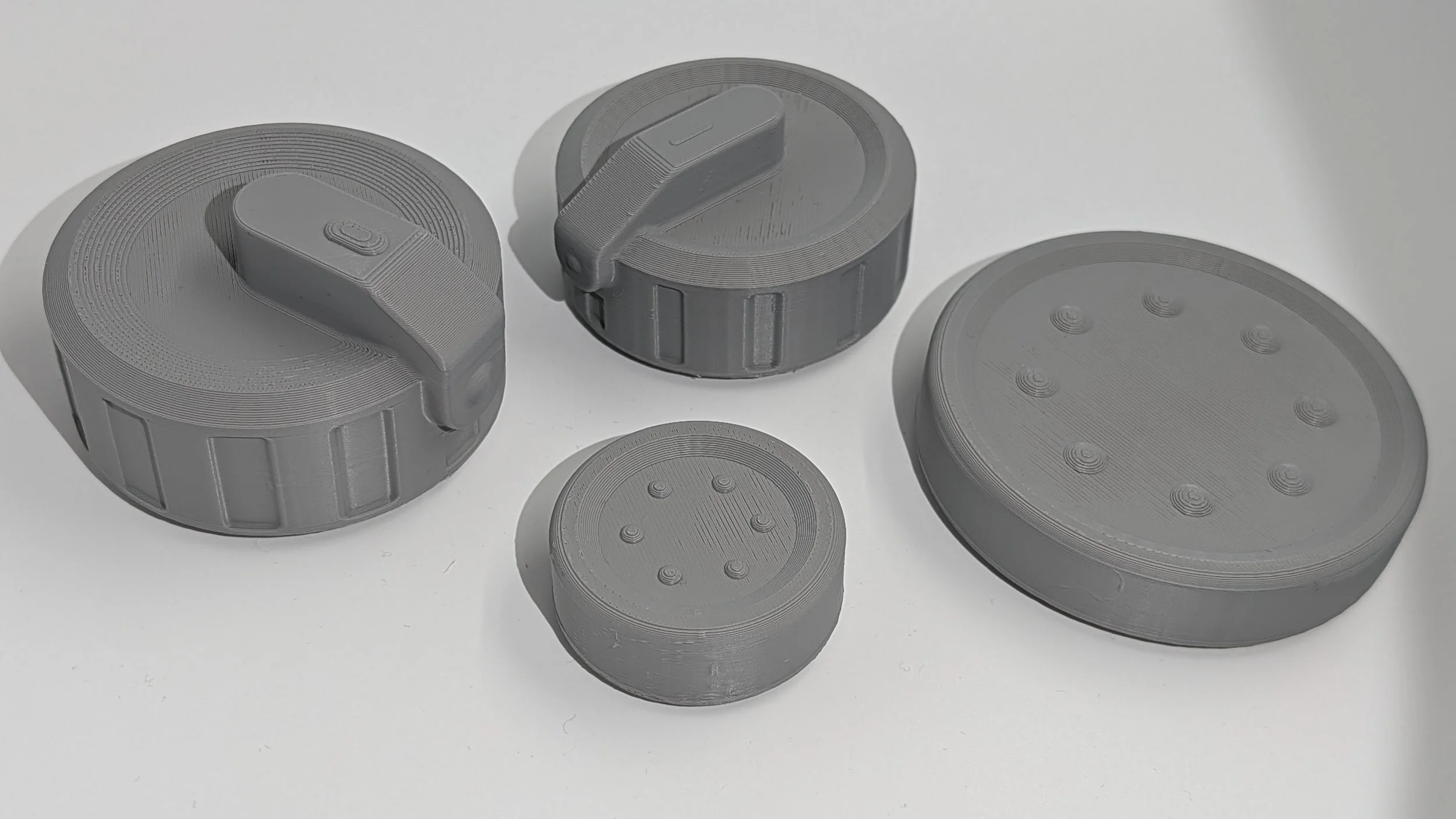
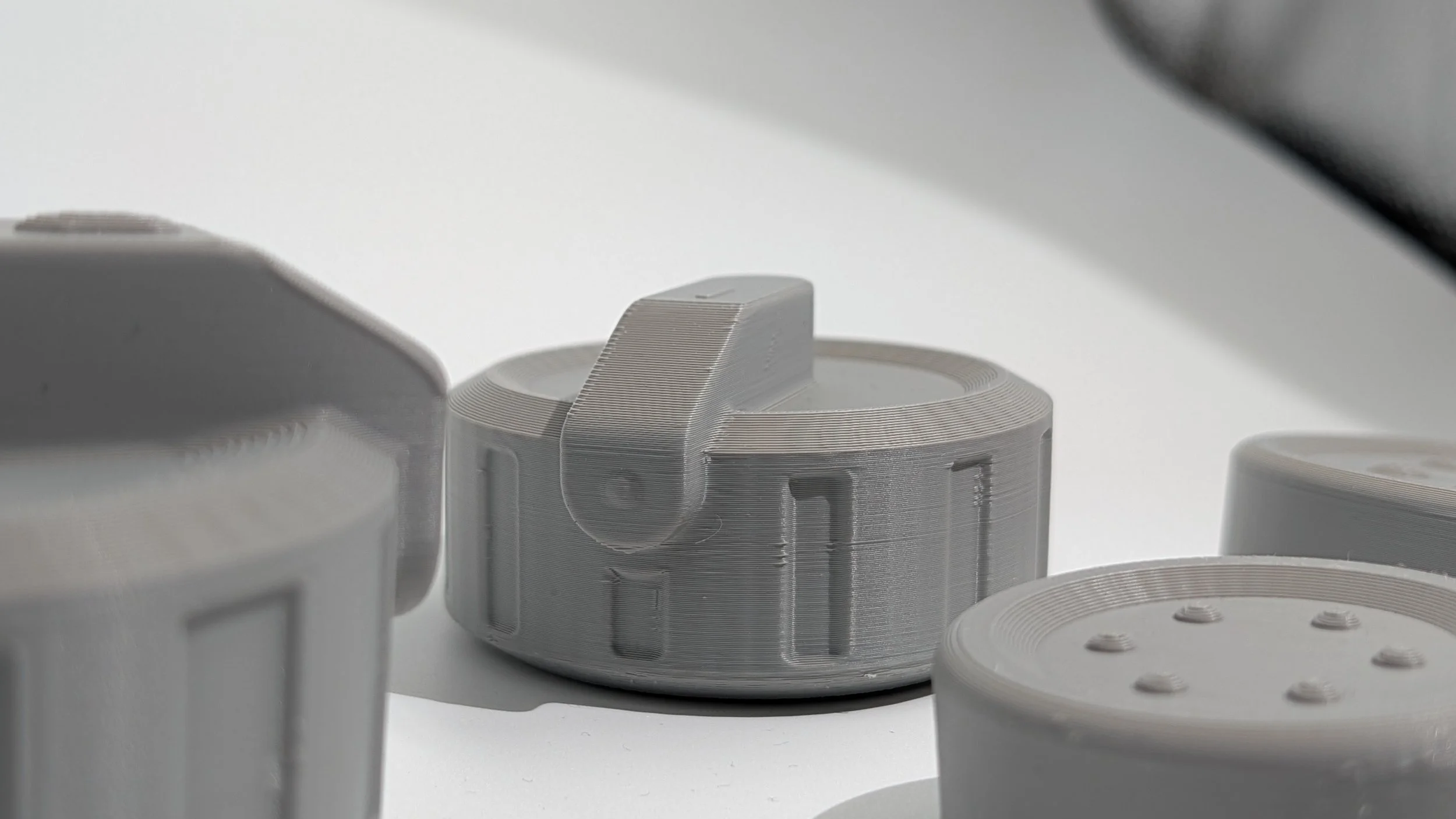
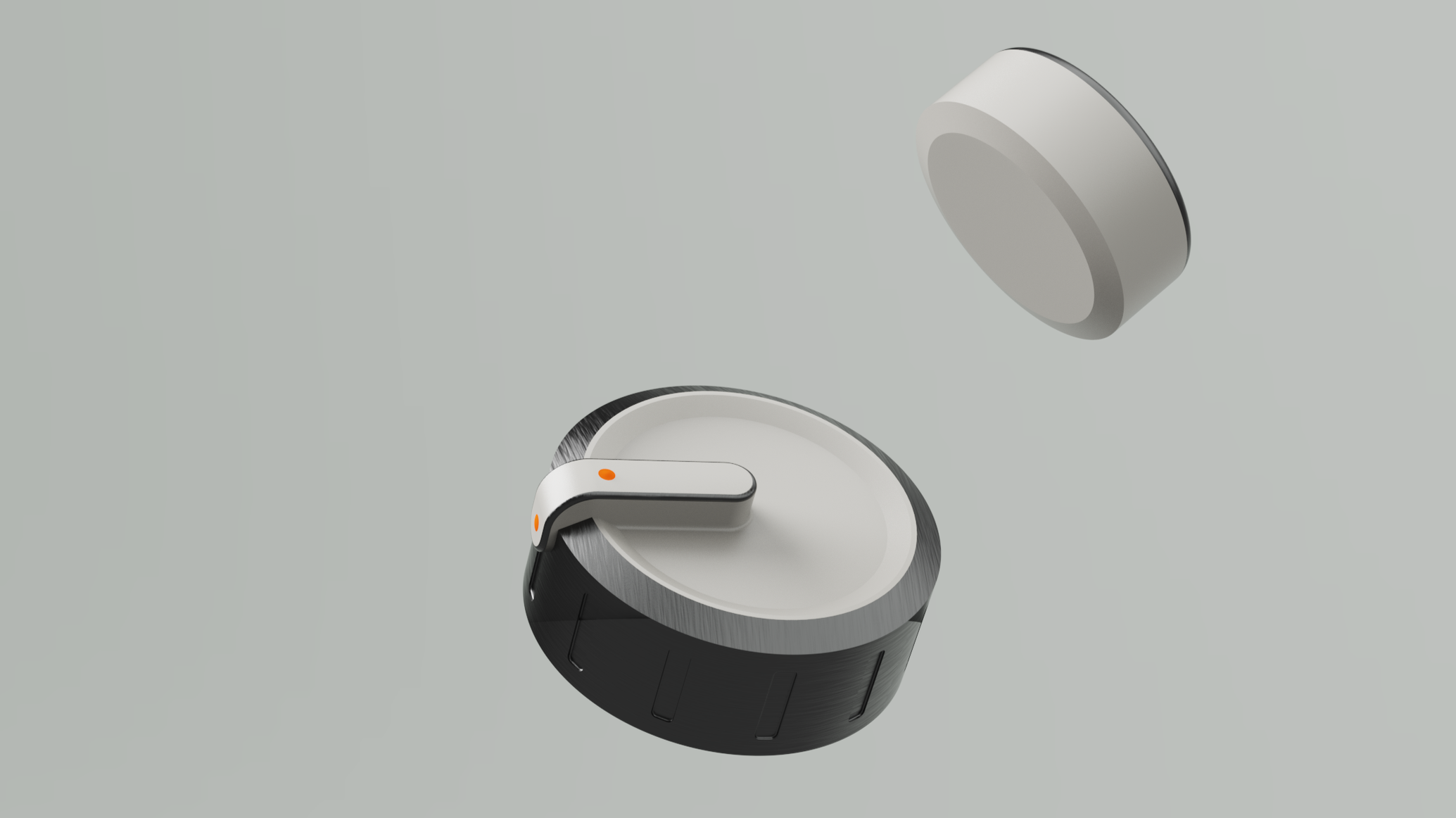
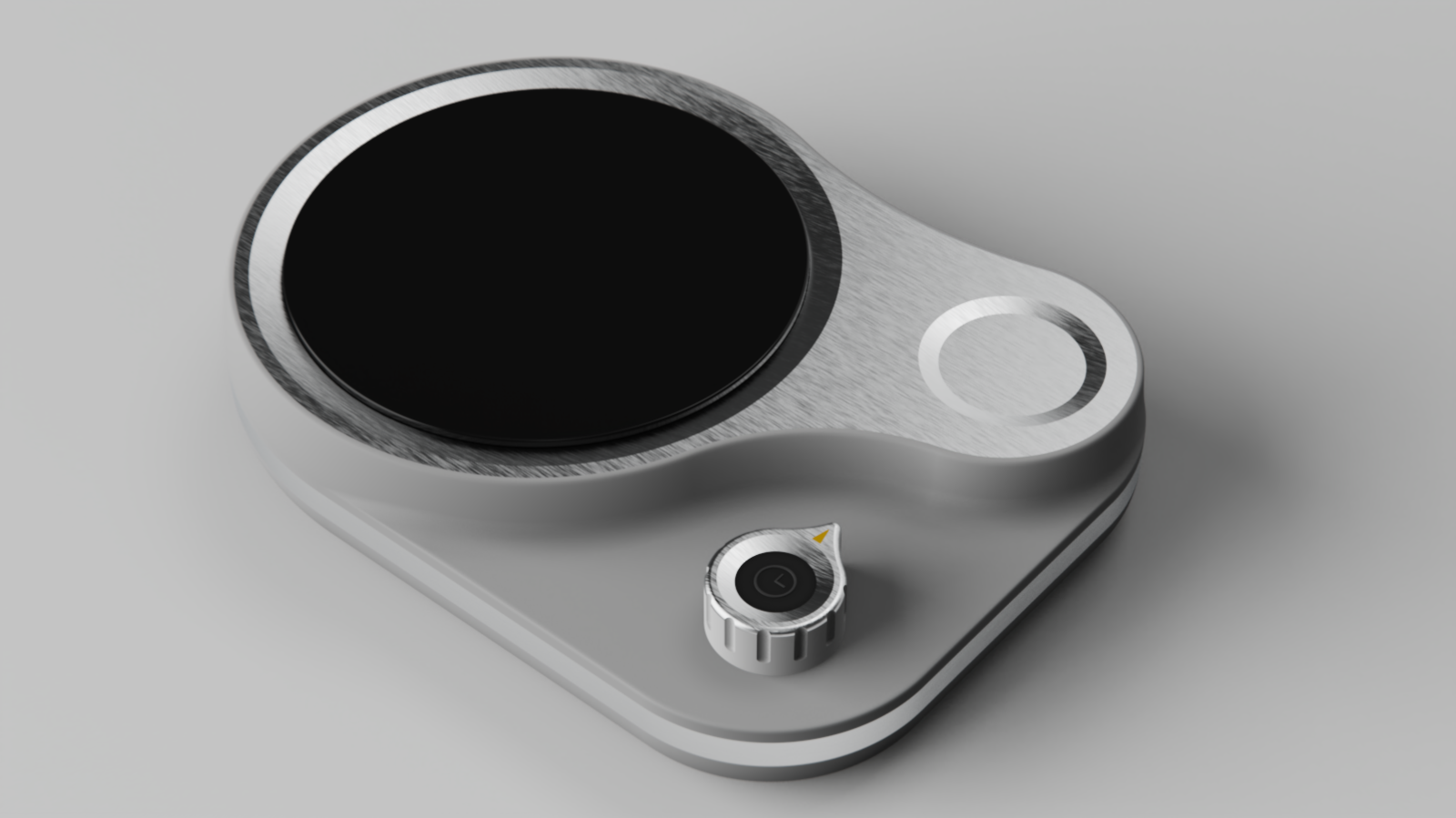
Feel your way though cooking.
Delivered Solution
Burner: compact induction burner with two magnetic knobs that read their settings aloud.
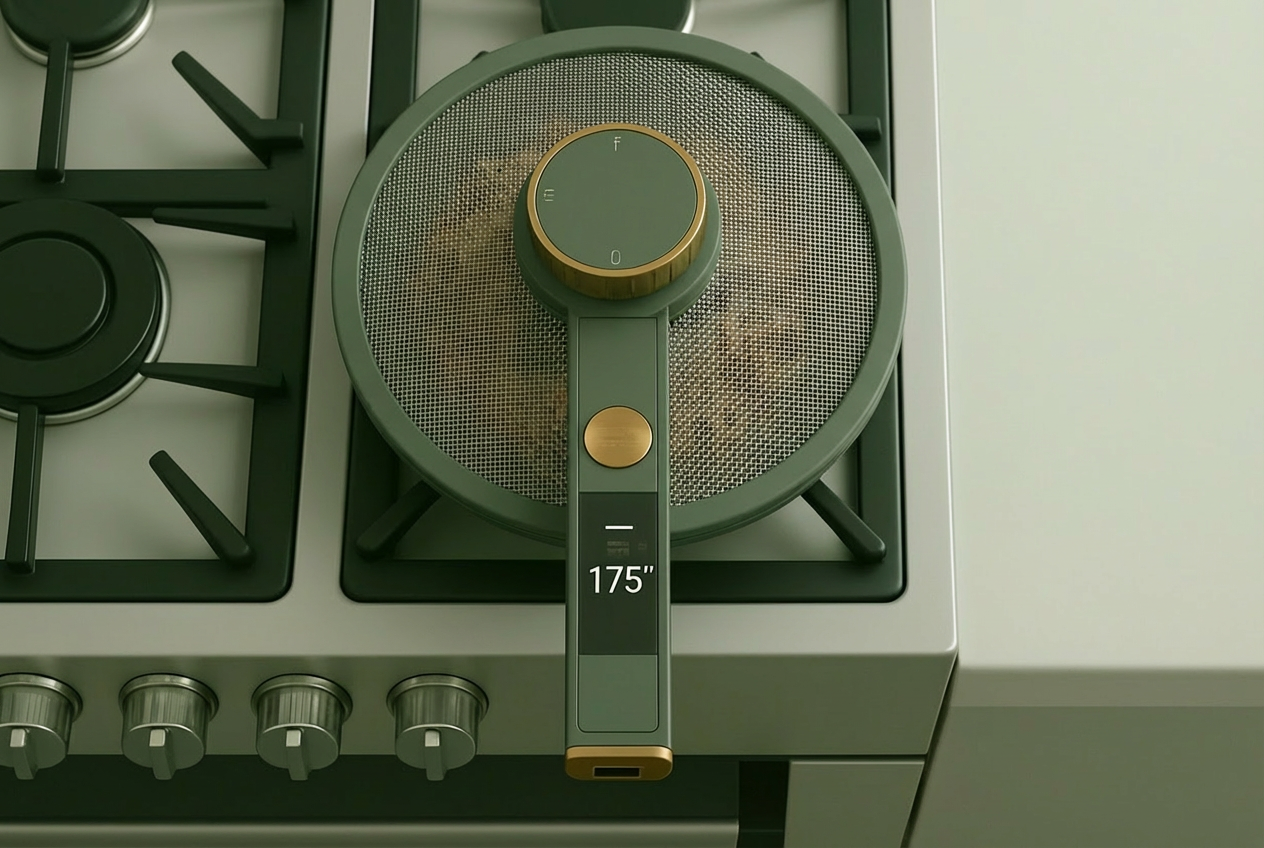
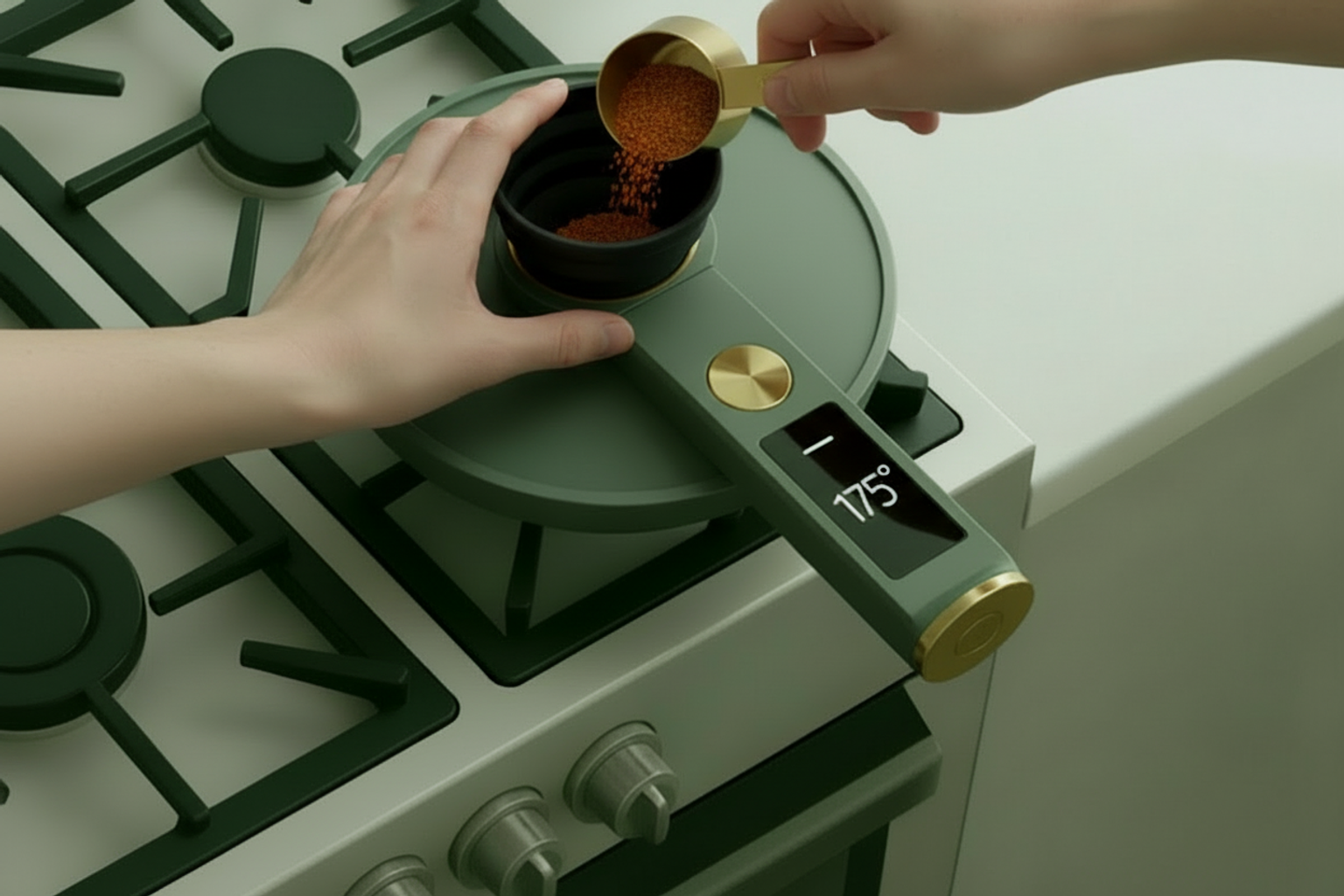
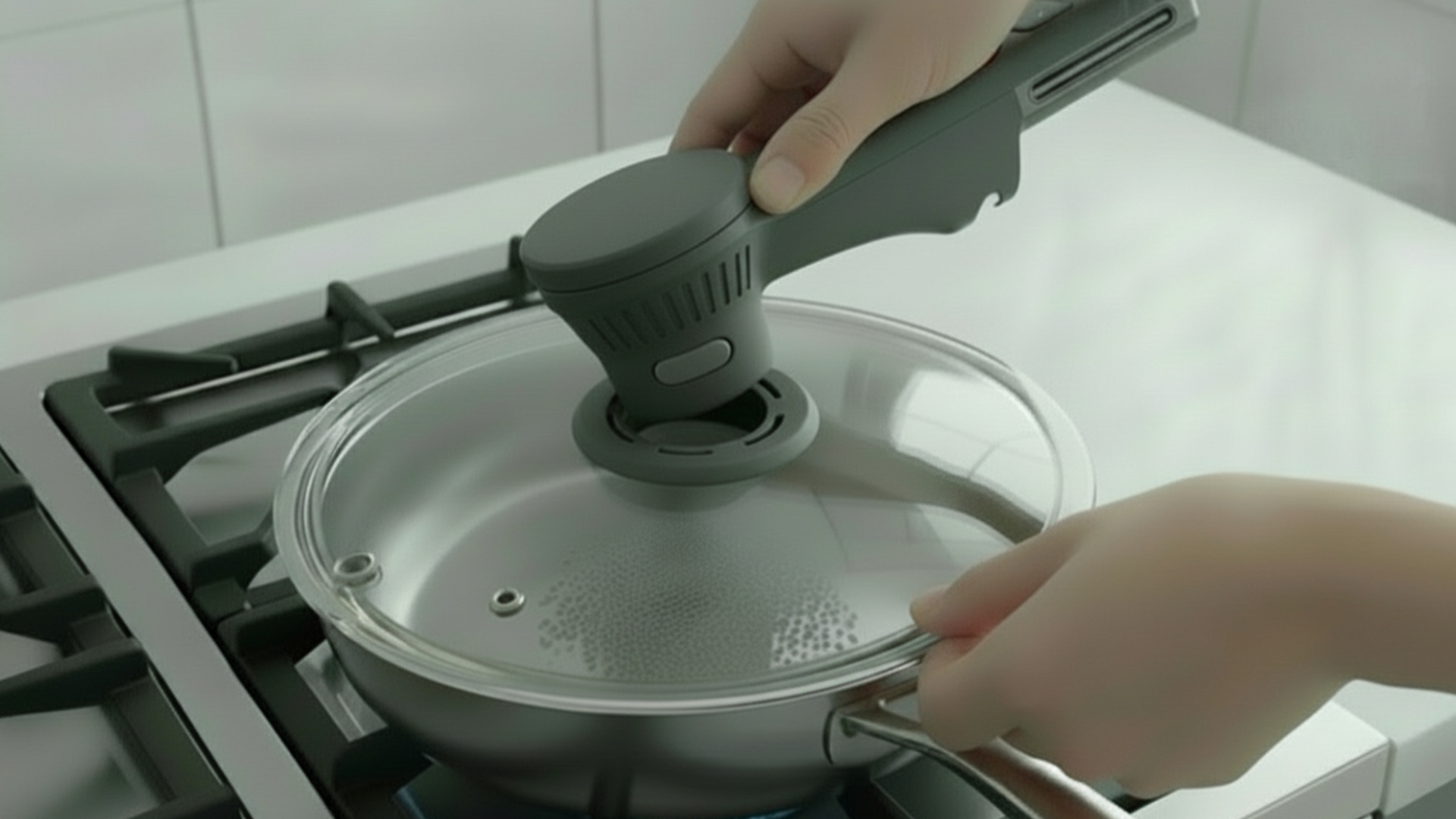
Smart lid: one button, a funnel for adding ingredients, and a fan that moves steam away from your hand.
Fail-safe: pull a knob off and it stops.
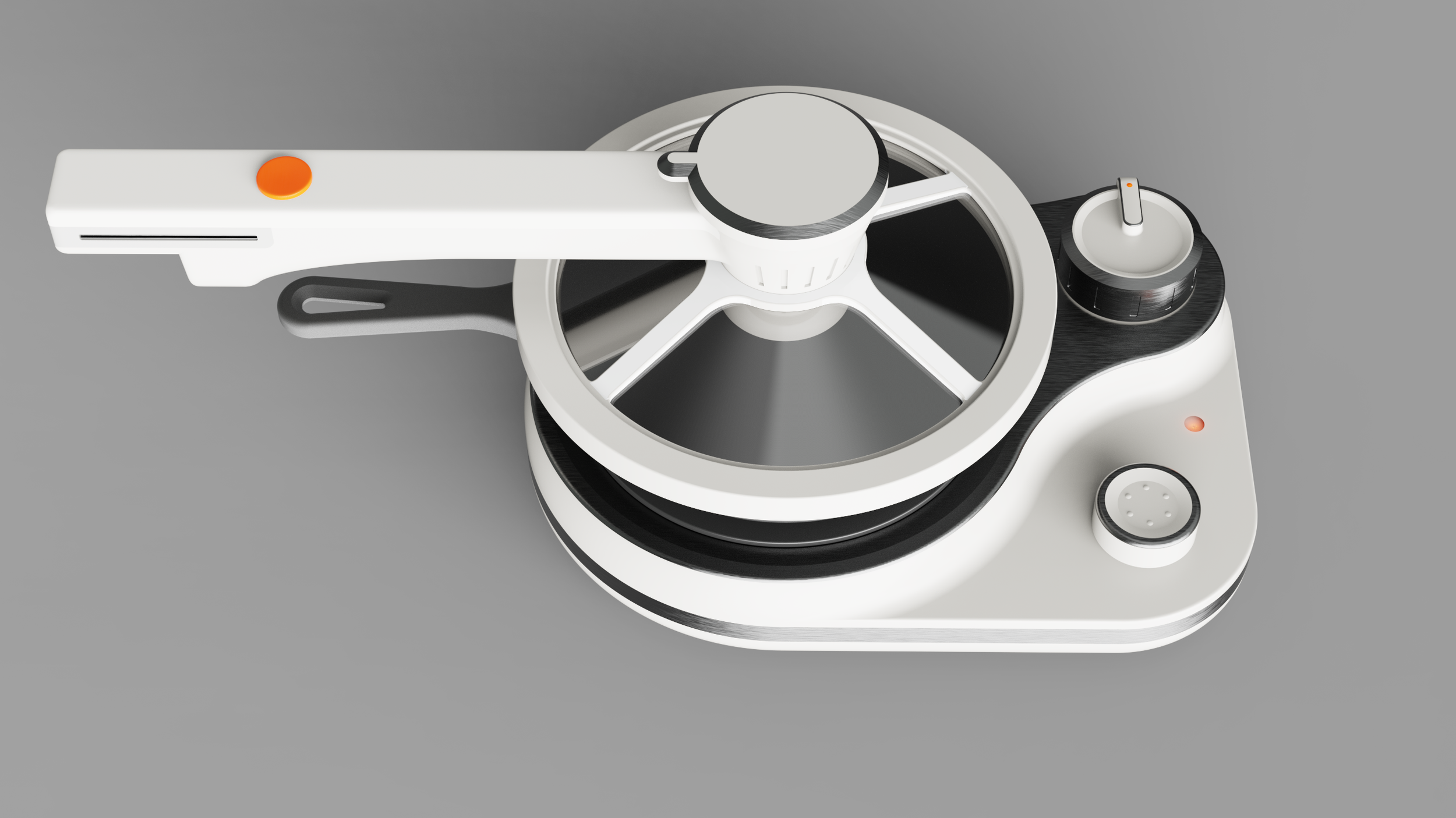
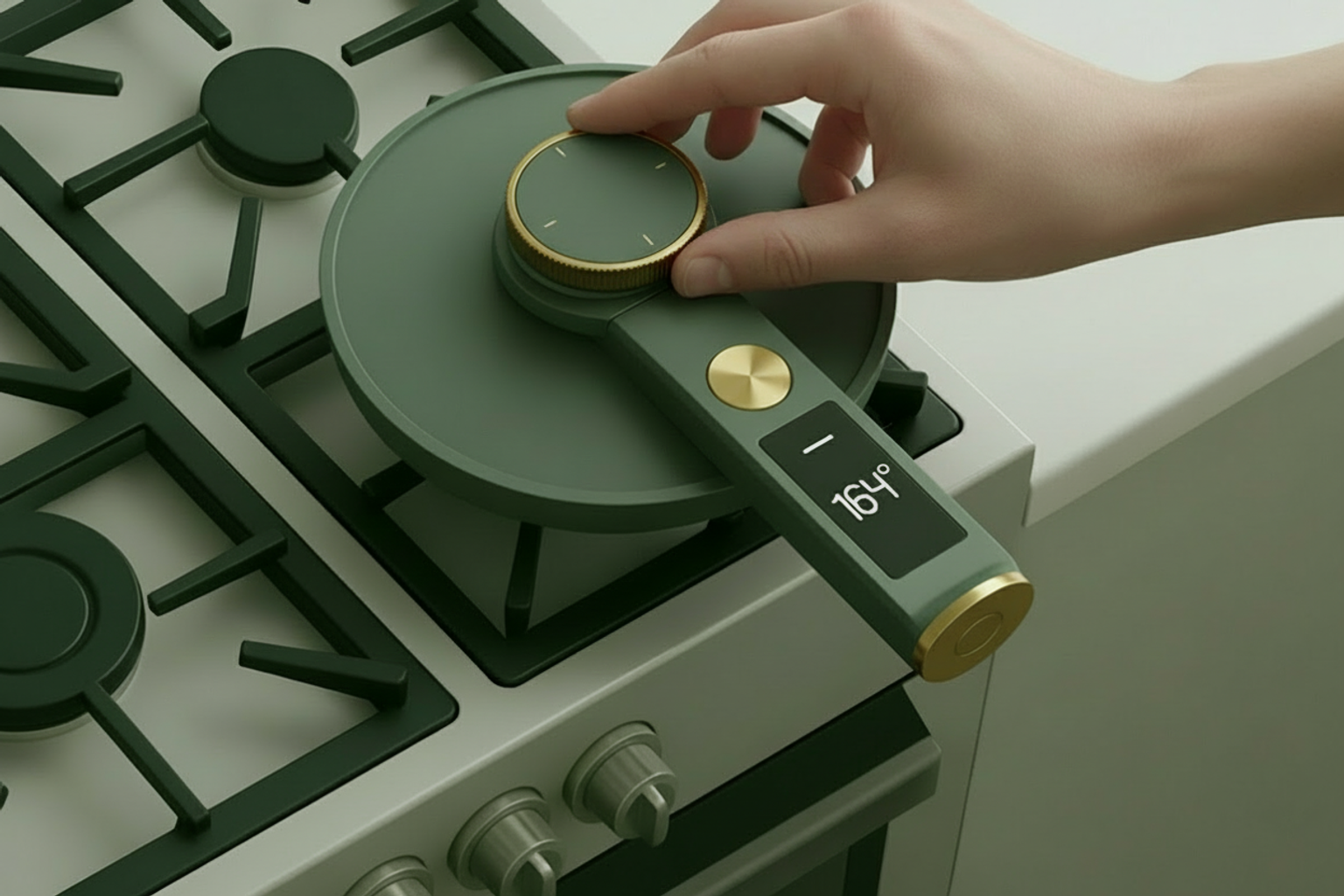
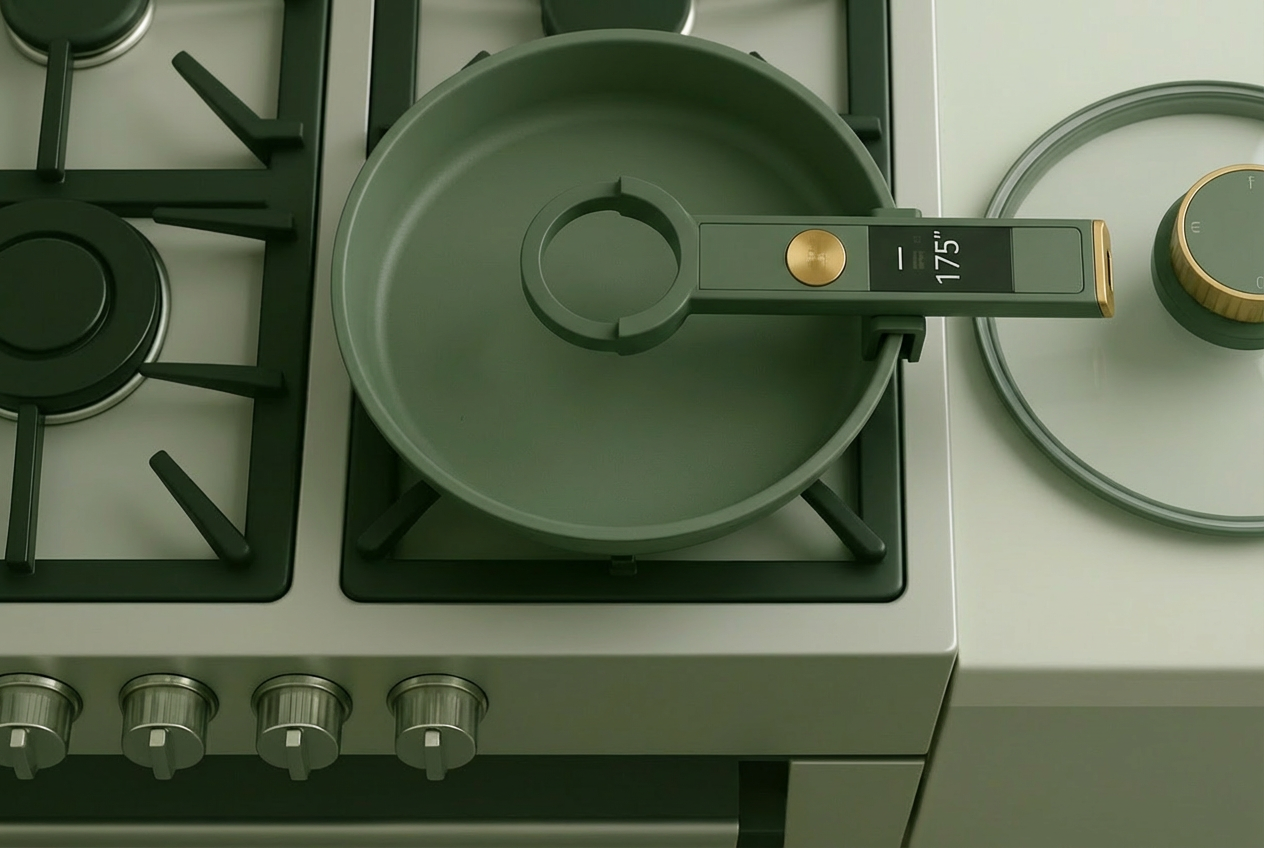
Smart ventilation lid and tactile single burner. SolidWorks, KeyShot.
Burner
Temperature knob: raised, beside the burner. Press to hear the setting.
Timer knob: lower, beside the status light. Press to hear the time remaining.
Fail-safe: remove the temperature knob and the burner turns off; remove the timer knob and the timer cancels.
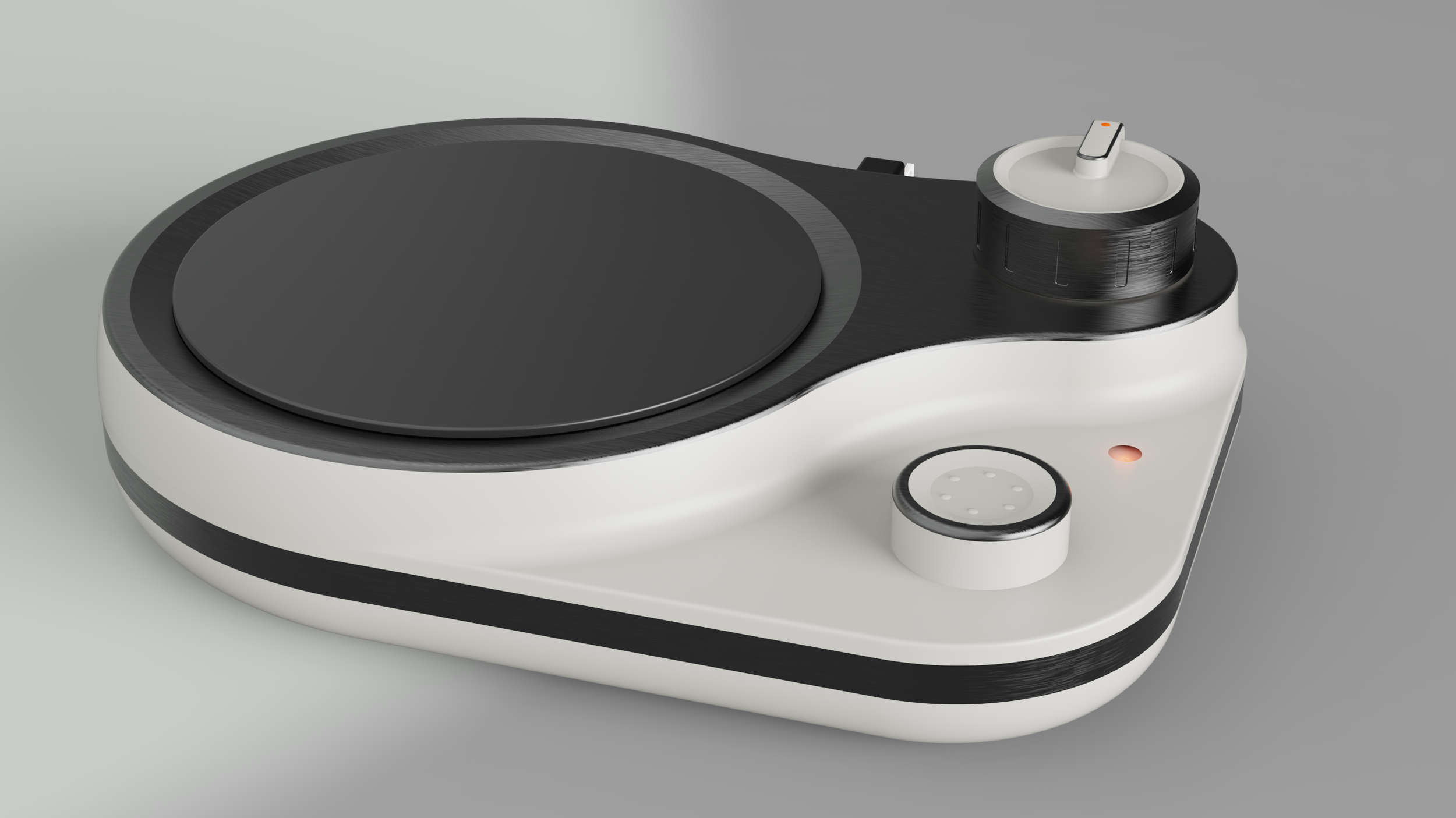
Tactile single burner. SolidWorks, KeyShot.
Smart Lid
One button: hold to turn on or off; press once to hear the temperature at the center of the pan.
Funnel: sits over the center of the burner for adding ingredients.
Fan: blows steam away from your hand.
Lids: glass to steam, mesh to vent.
Handle: detaches to clean or swap lids, and charges while in use.
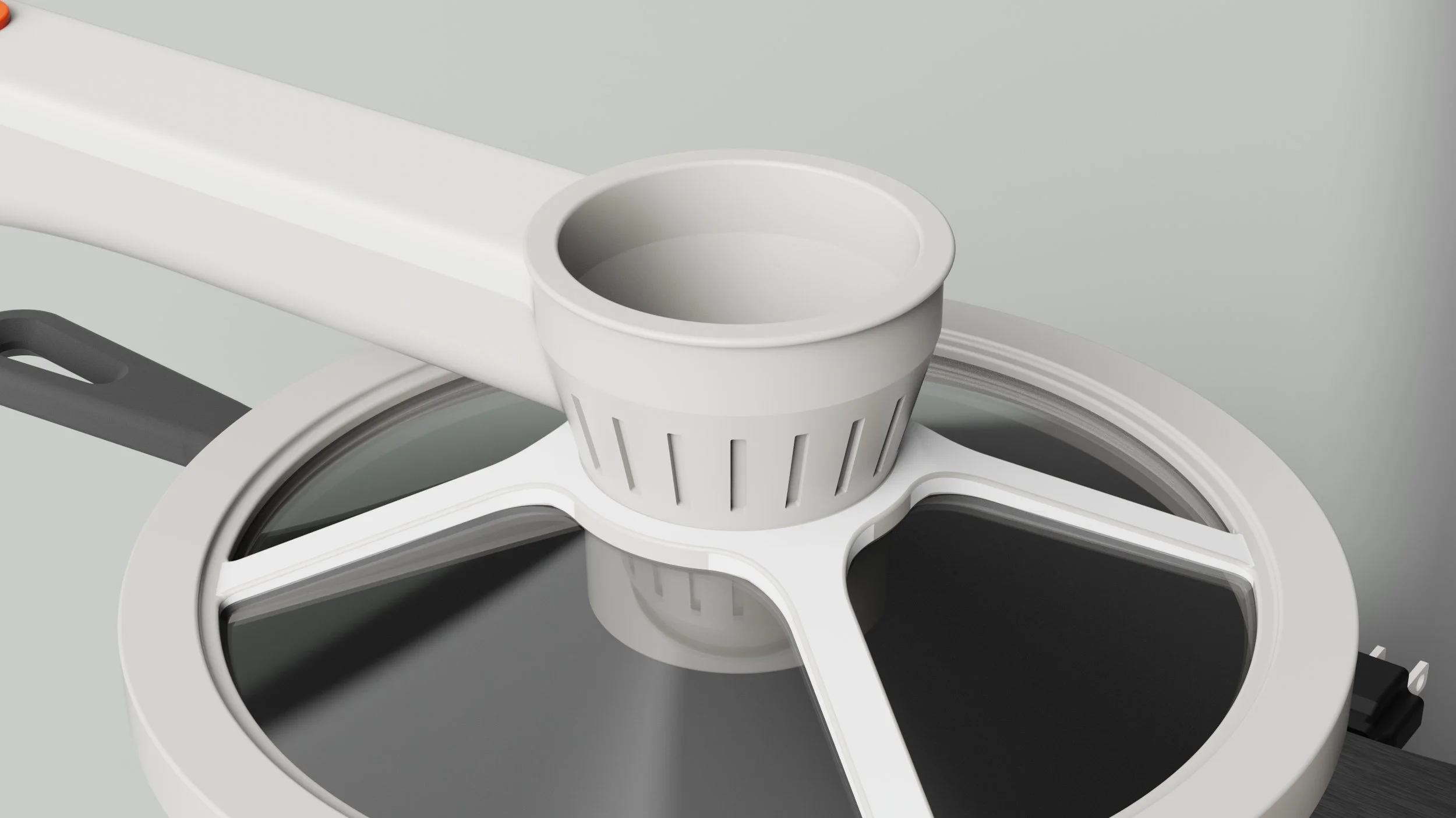
Smart ventilation lid. SolidWorks, KeyShot.
Takeaways
Autonomy over convenience: designing so someone can do it themselves is different from doing it for them.
Flat interfaces fail: so many workarounds exist, and so few real solutions.
Describing the world: it made me look outside myself and describe the things around me.
Next: 3D-printed prototyping, then testing with home cooks who are blind.
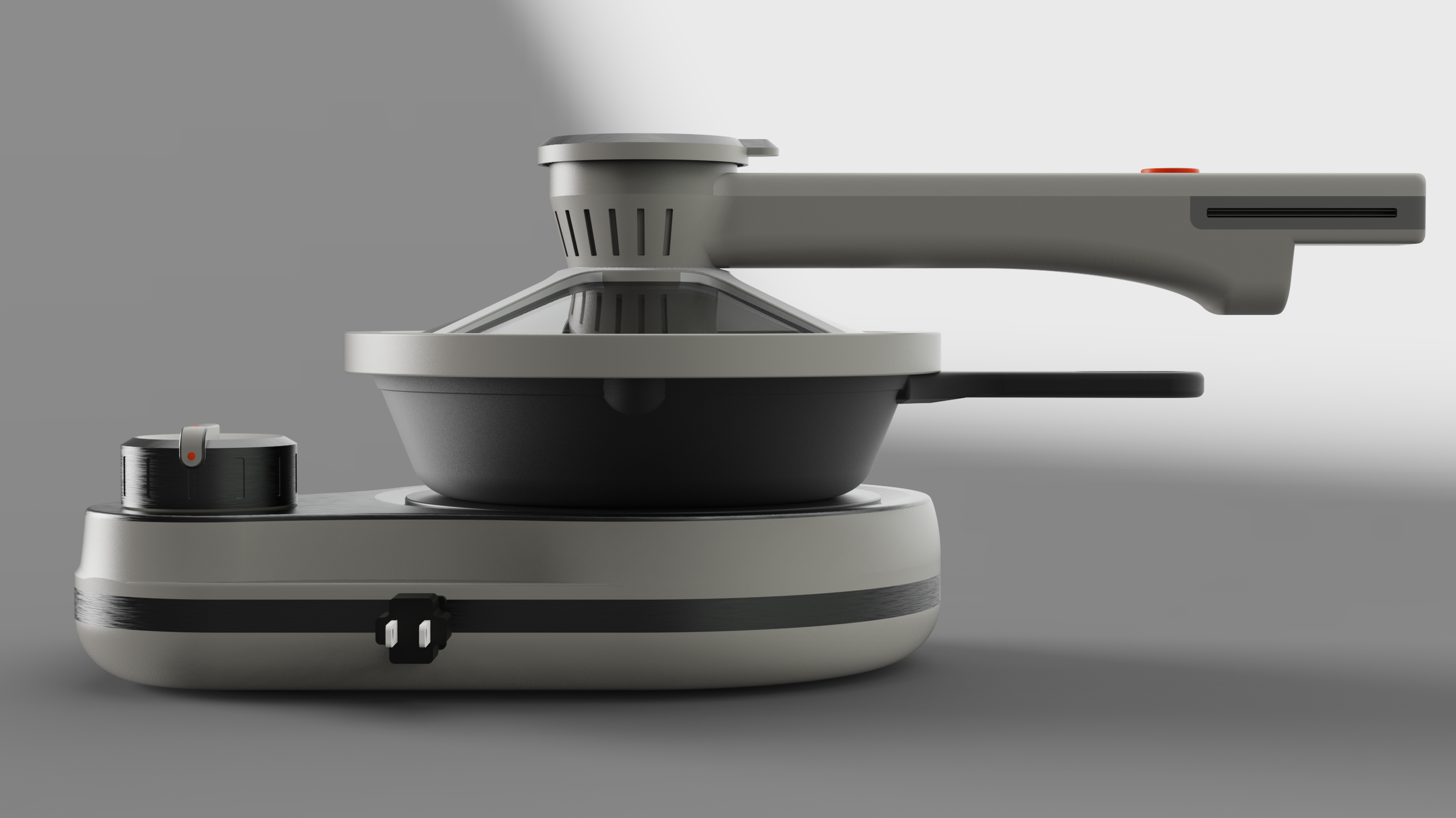
Back of unit. SolidWorks, KeyShot.