

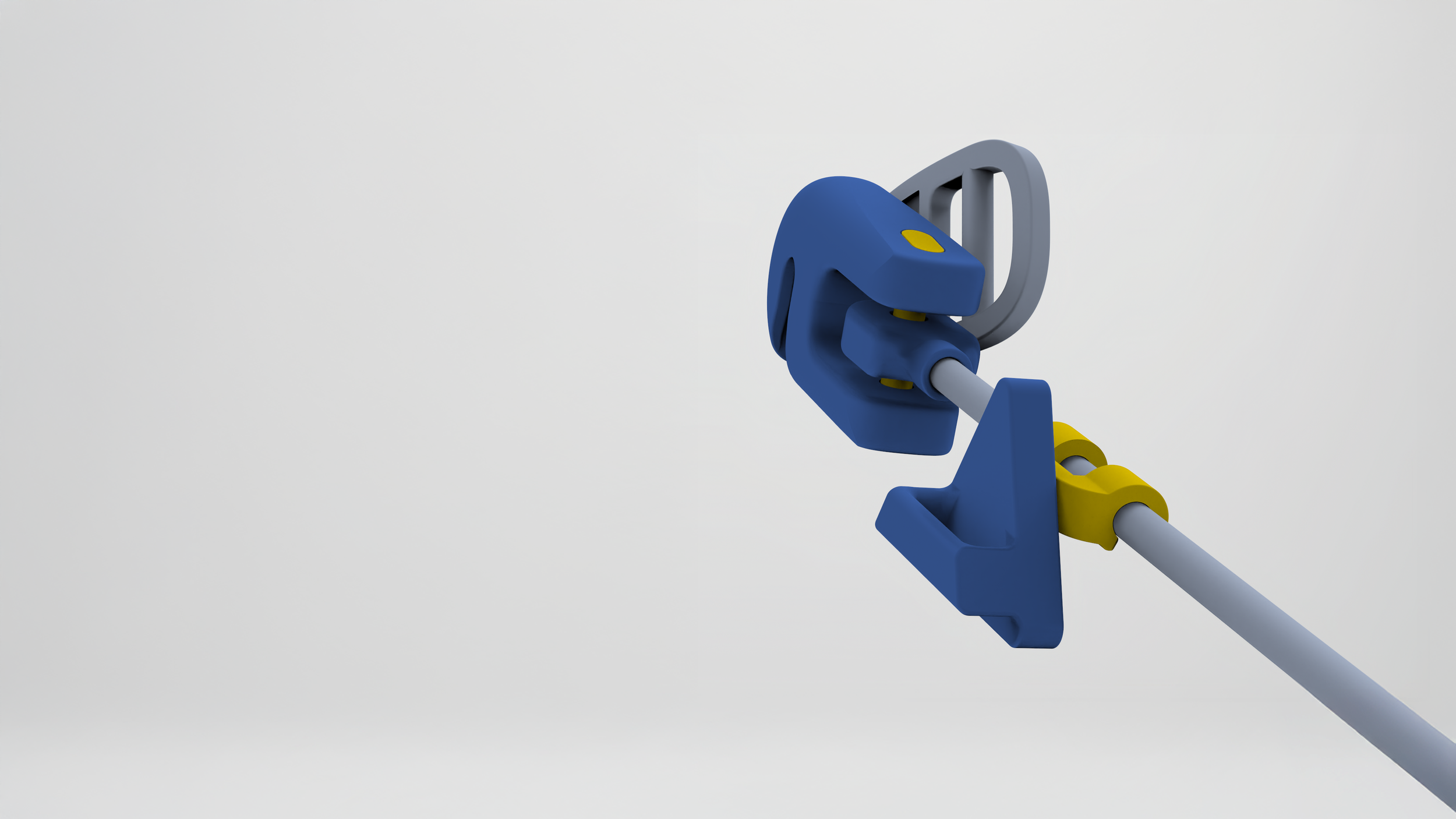
Pouch clip and track. Modeled in SolidWorks, rendered in KeyShot.
ErgoTrack for Tool Pouches
Adaptive wearable tool system keeps tools within reach for retail stockers standing, crouching, or kneeling.
NC State University, MID
Studio
Fall 2025
8 weeks
Instructor: Yuanqing (Ching) Tian
Self-directed, no sponsor.
Stocking a store means changing position all day and being nimble. Workers commonly stand, lean, crouch, kneel, climb up rolling stairs. Tool pouches stay at the hip, so every time the body moves, tools become out of reach.
ErgoTrack hangs an ordinary tool pouch from a track instead of a belt loop. A hinged arm at the hip lets the pouch travel down the thigh with a crouch or kneel, so tools stay within reach for different tasks.
Problem
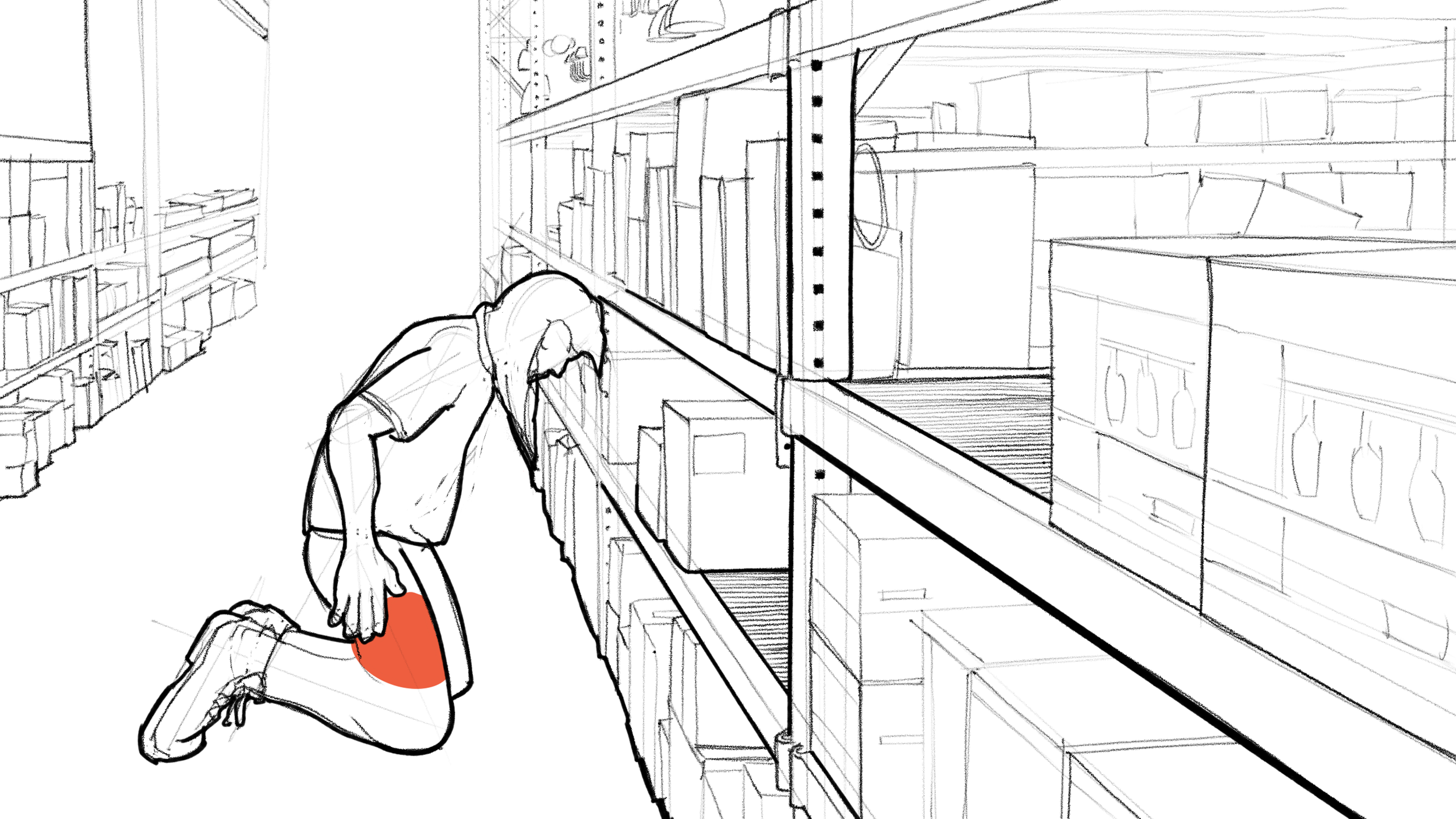
Kneel: the hand falls at the thigh, but the pouch is at the hip. Pen & paper, Procreate.
Stocking tasks require changes in body position, but a static tool pouch is built for one: standing. When the stocker kneels or crouches, the tools at the hip are behind them, out of sight and out of reach, and the work stops while they stand up, dig, and get back down.
Many stockers answer this by not wearing a pouch at all. Tools go in a cart, a bucket, a vest pocket, or on the step of the rolling stairs, where they are easy to leave behind and easy to trip over.
Brief: an adaptive tool system for warehouse and retail stockers that keeps tools within easy reach, regardless of body position, so the work flows and the stocker feels in control of it.
ID 500 Advanced Industrial Design Studio. I work on the Merchandising Service Team at a Lowe’s store, so this is my own problem as much as anyone’s.
The body moves, tools should follow.
Picture your kitchen.
Delivered Solution
Home: photograph kitchen, app builds 3D model, and determines appliances and clearances.
Store: sync phone to the display; kitchen loads to screen, floor plan to e-ink tabletop.
Display: Mini-model moves digital appliance.
Purchase: display or with phone, associate optional. Price match, delivery date, install and rewards show before checkout.
Display and mini-models made in SolidWorks, rendered in KeyShot. Full-size refrigerator and range from GrabCAD. Kitchen photo and floor plan generated in Gemini.
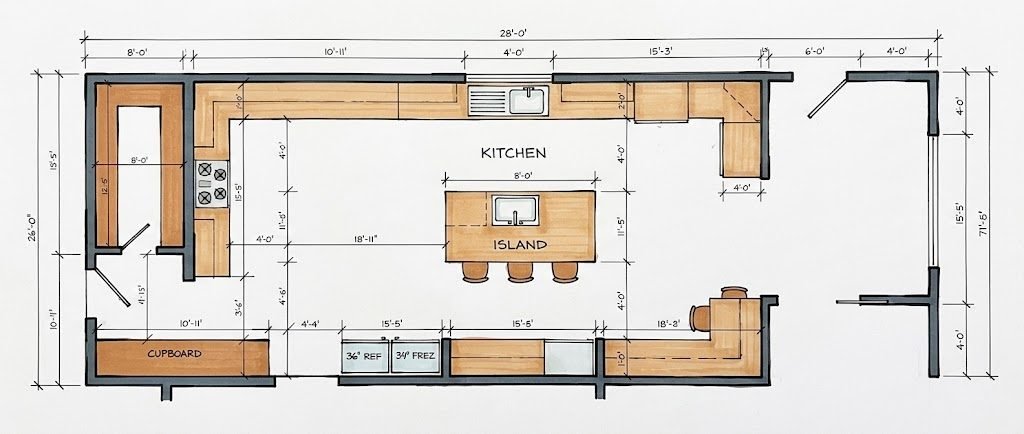
Plan view. AI, Gemini.
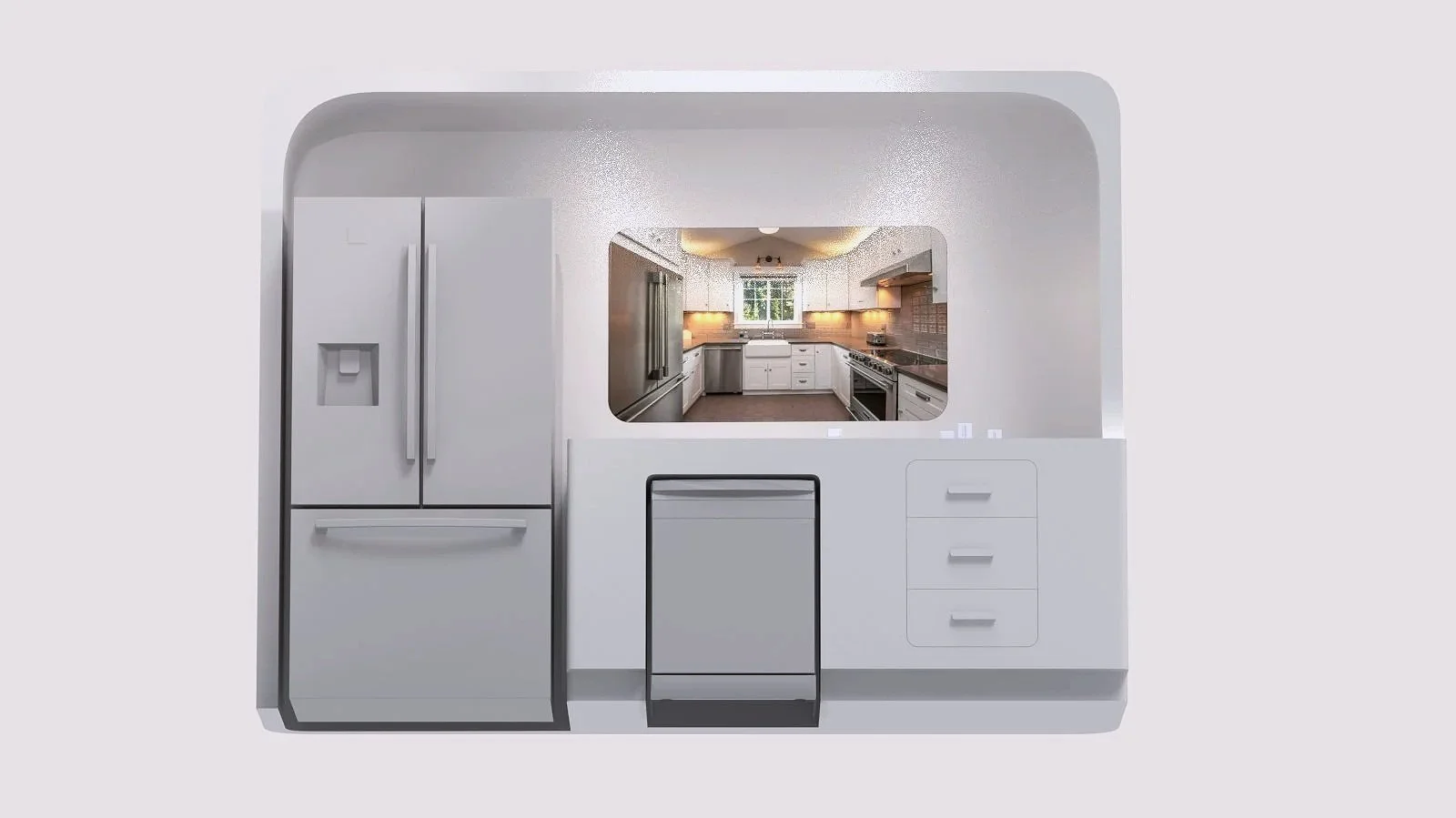
In-store display. KeyShot.
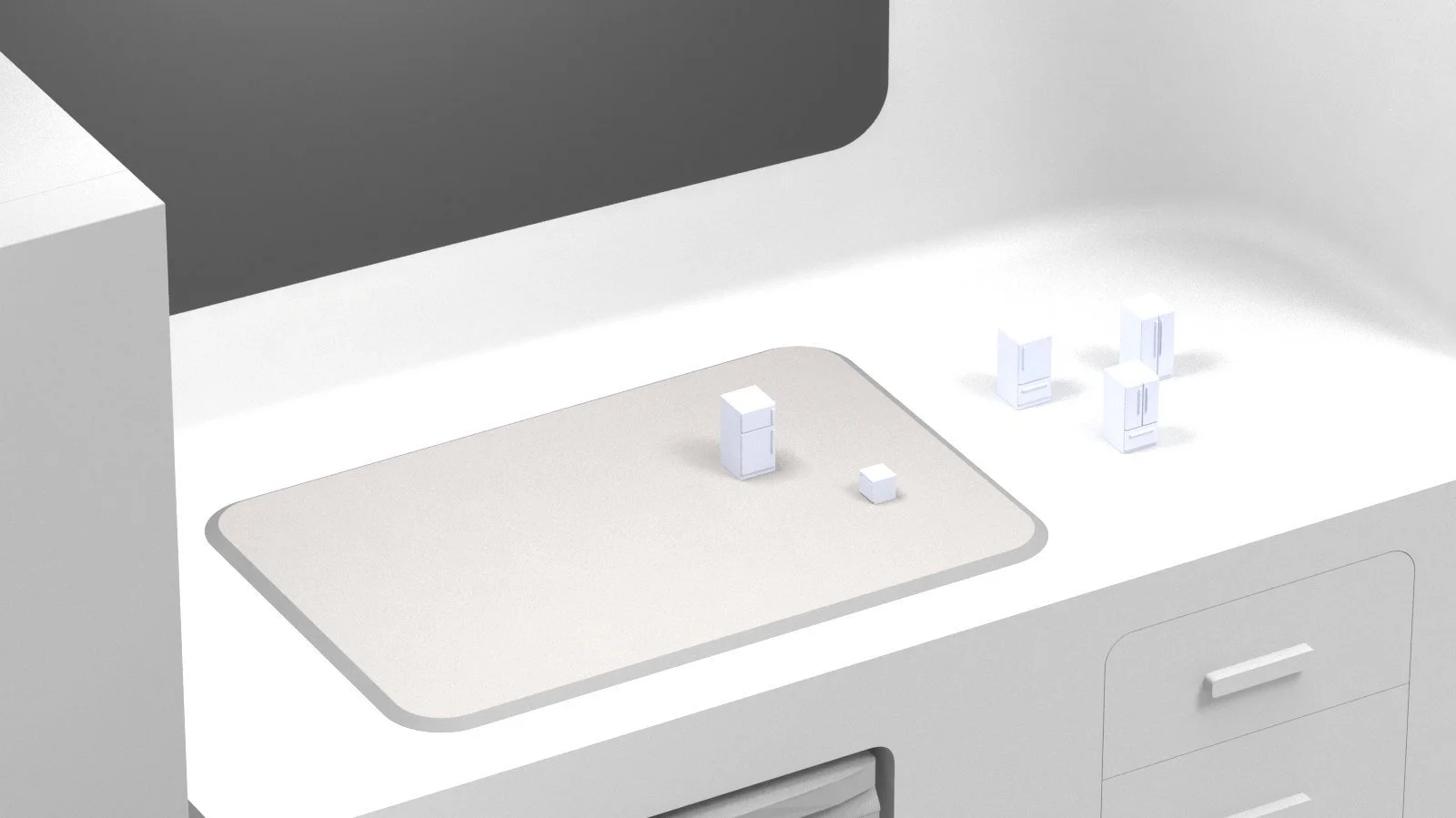
Tabletop
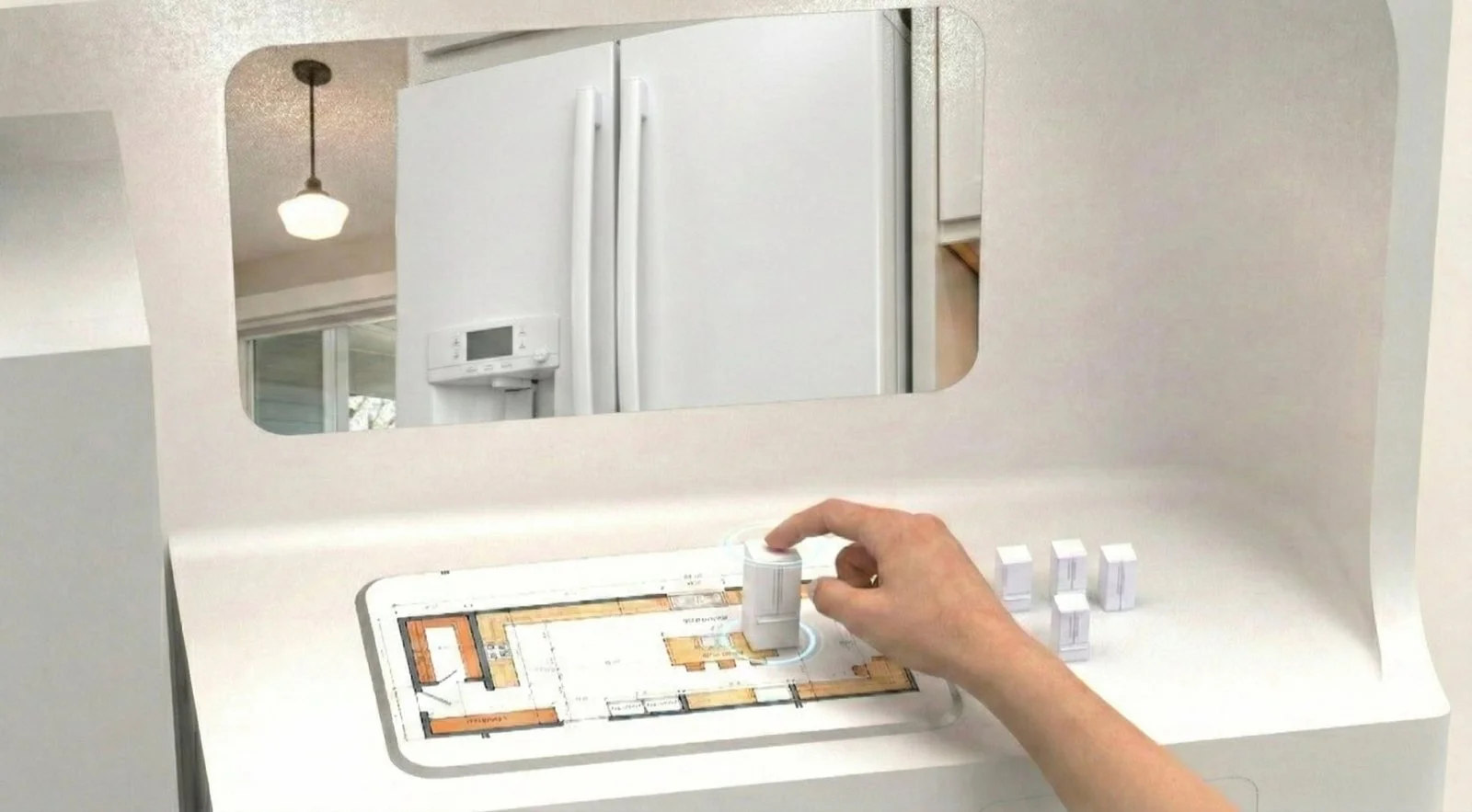
On the plan, in your kitchen. KeyShot; plan, kitchen and hand composited.
E-ink floor plan of your kitchen, to scale, readable under store lights and cheap to run.
Magnetic models snap to the plan and set orientation. Each type filters digital options.
Plan highlights clearance door swings and gaps that don’t fit.
Edit plan on touchscreen when a new appliance means removing a cabinet.
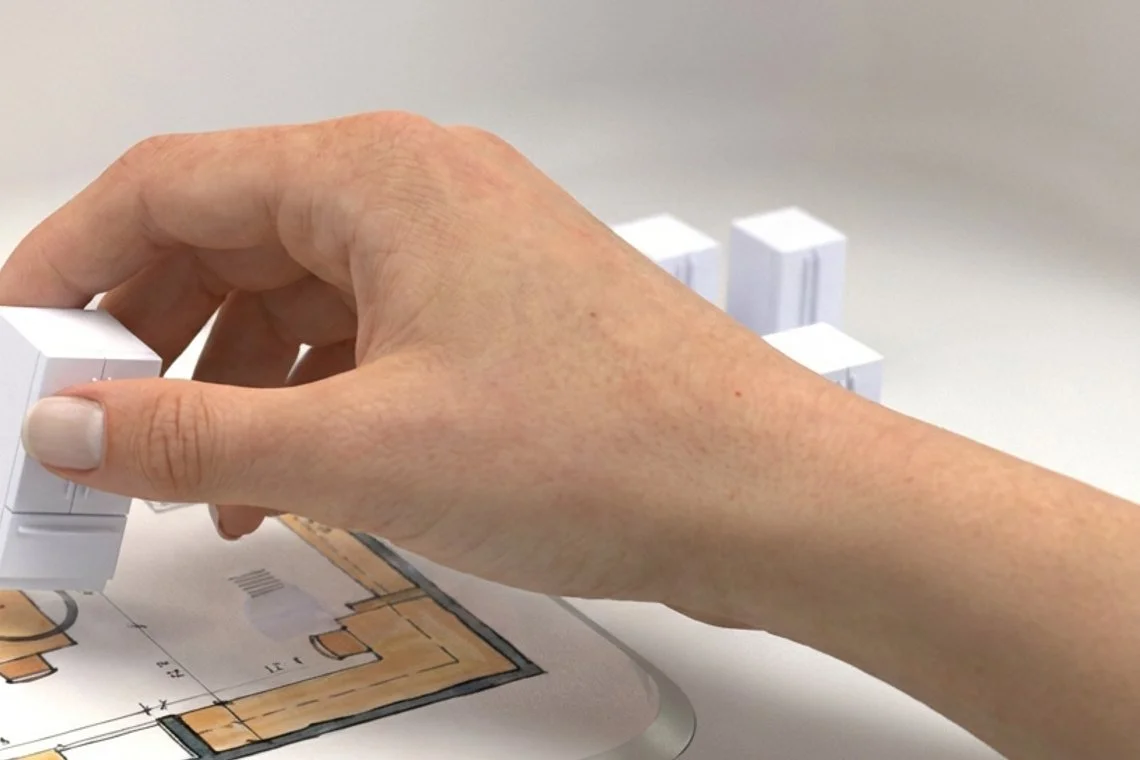
Placing a model. KeyShot; plan and hand composited.
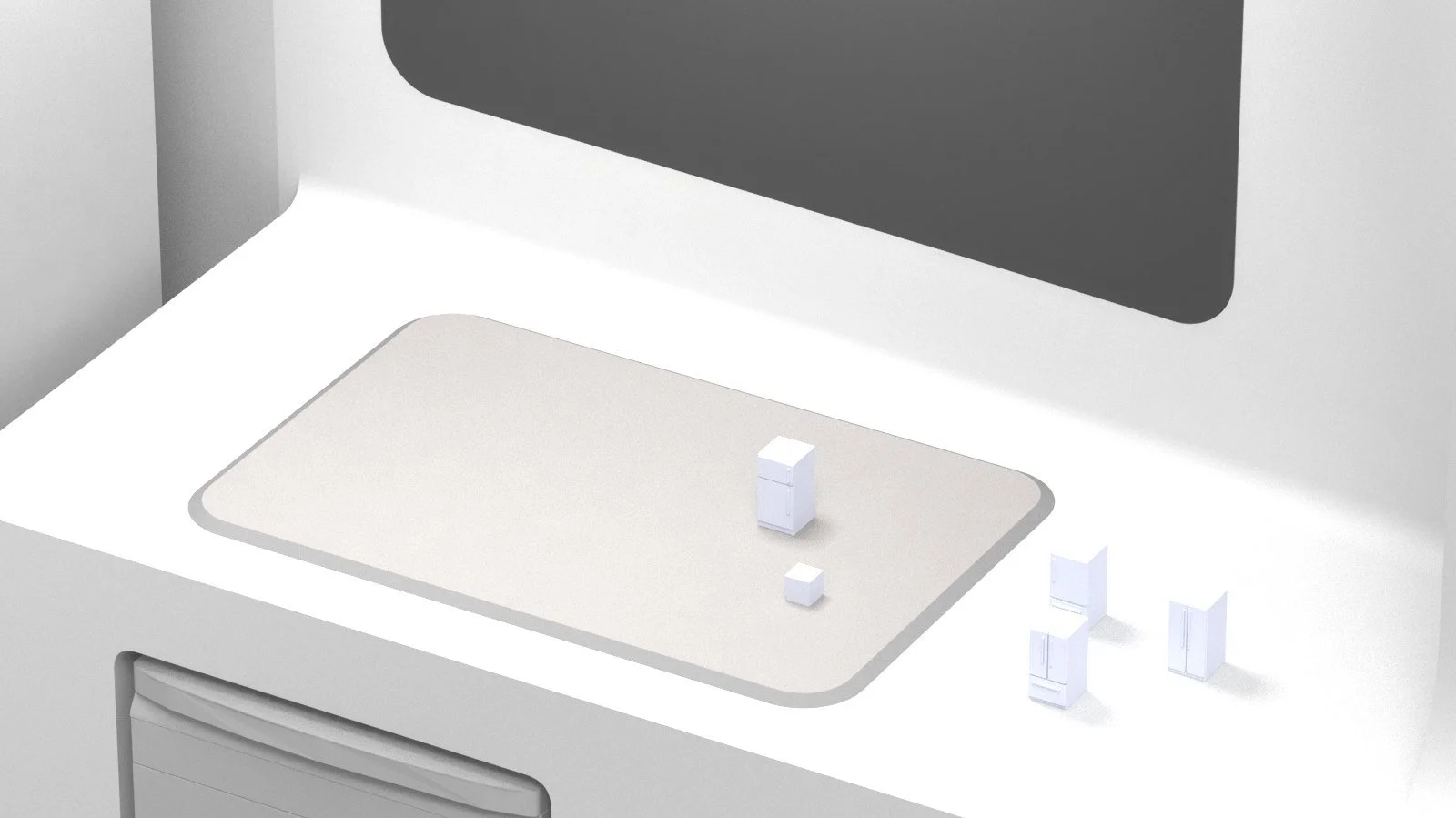
The counter and e-ink tabletop. KeyShot, no compositing.
Screen and phone
Shopper’s view. KeyShot.
Your kitchen on the screen shows the appliance in context and at scale.
Data shows maintenance, lifespan, and five-year cost beside the price.
Price match on discovered competitor offers, delivery date, install and hauling, and rewards earned.
Quiet tech means AI builds models and checks fit, no direct communication.
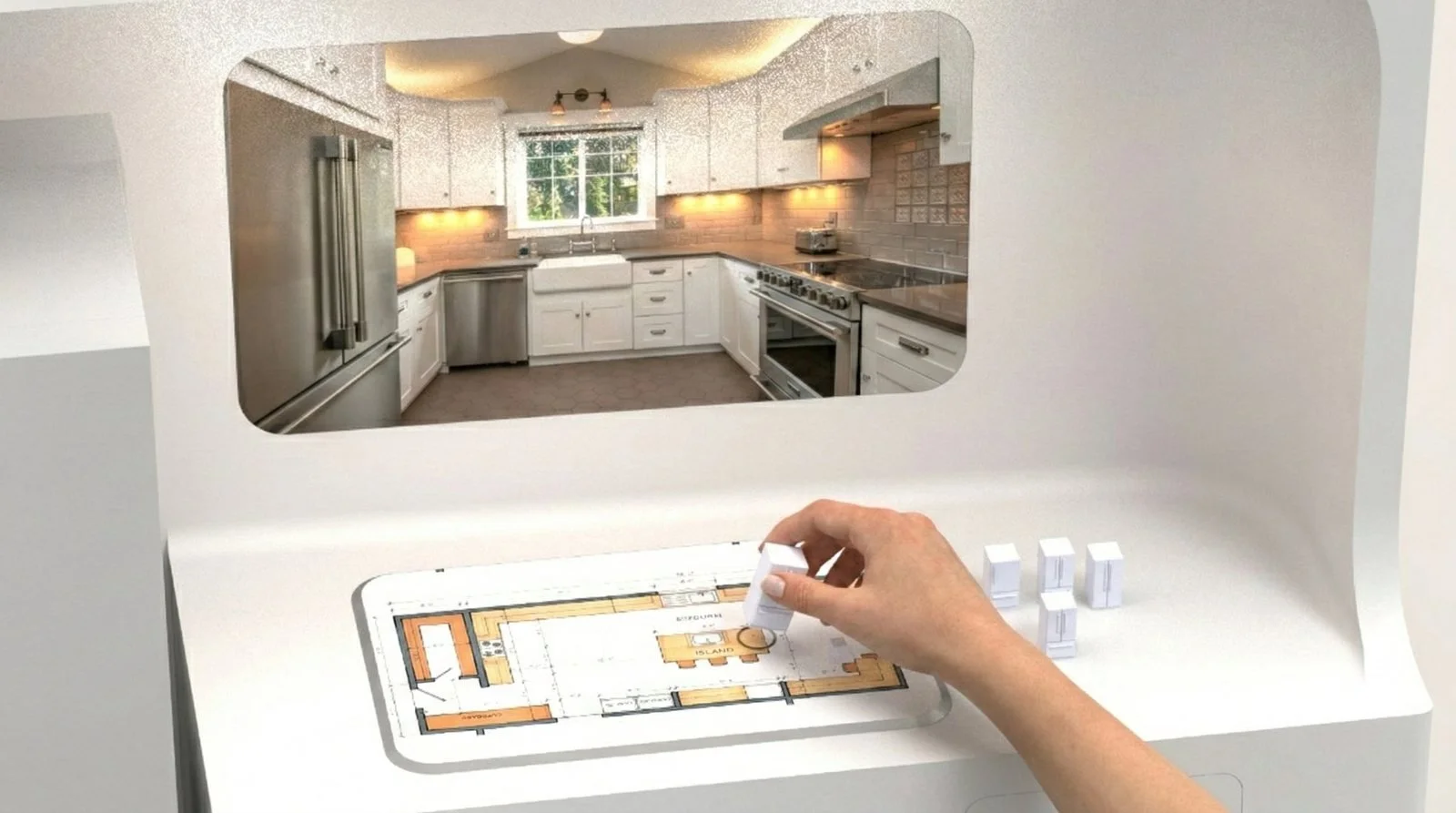
Turn the model, fridge on-screen turns. KeyShot; plan, kitchen and hand composited.
Feedback & Takeaways
Enthusiasm from reviewers wanting to play with models.
Skepticism with theft; “Can you imagine kids or people coming in just to take those?”
Quiet AI was praised for capabilities and affordances when it stays in the background.
My take is a systems problem needs a systems answer. A phone feature or kiosk fixes a symptom; an ecosystem fixes the problem.
To be refined: semi-private kiosk form, 3D-print mini-models at scale, and map the on-screen UI.
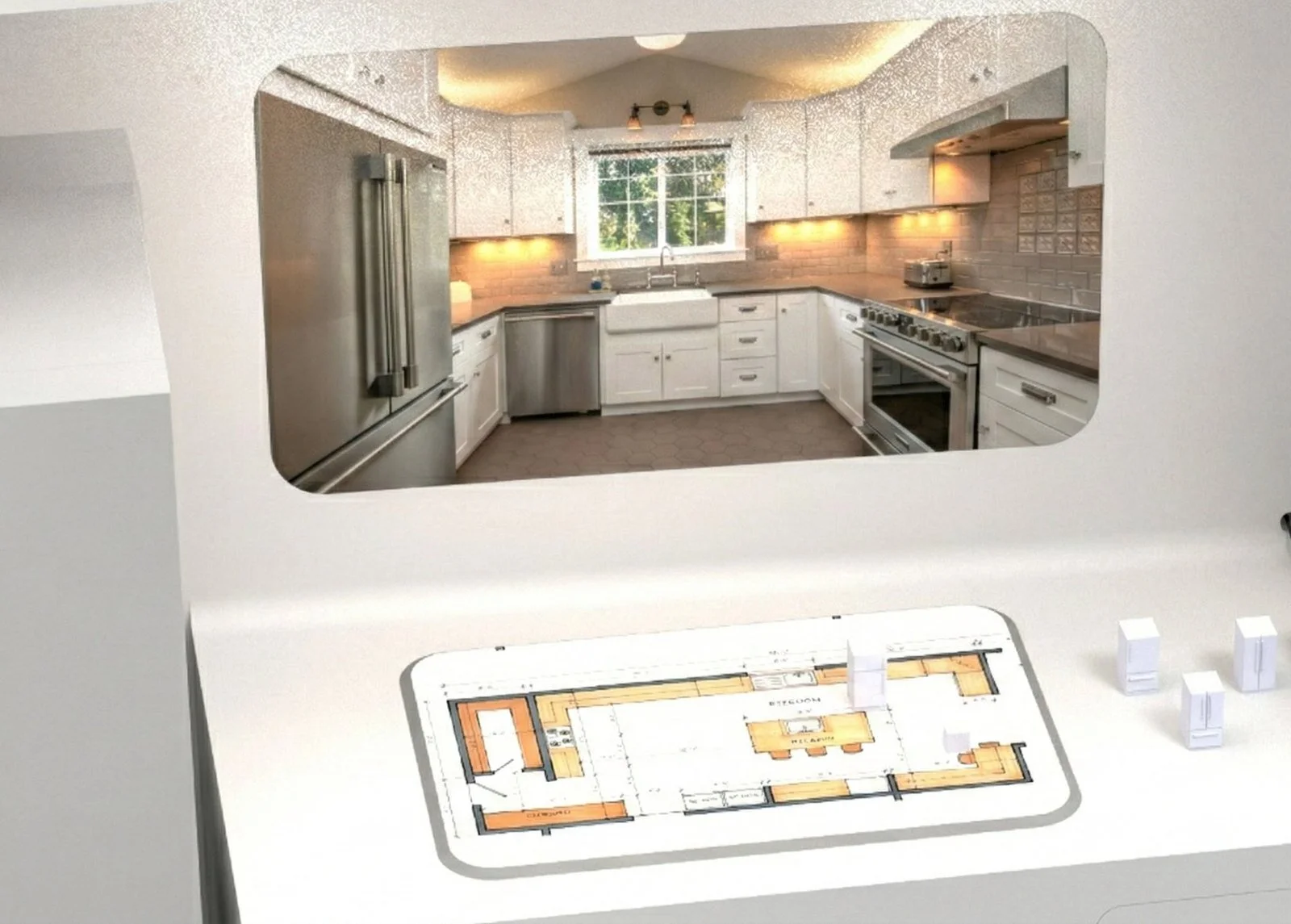
Ready to buy. KeyShot; plan and kitchen composited.